Bug triage is the process of reviewing incoming bug reports and deciding what happens to each one. It runs in six steps: confirm the bug is real and reproducible, assign a severity level, set priority using business context, assign clear ownership, route it to the tracker as tracked work, and set a revisit cadence and an SLA.
Most support queues do not have a bug problem. They have a sorting problem. Reports come in faster than engineering can fix them, which is normal, but without a process for deciding what gets worked on first, the queue ranks itself by whatever was reported most recently or whoever complained loudest. The critical issue waits behind a cosmetic one, and a customer who flagged a real outage hears nothing for a week.
Bug triage is the process that fixes that. This guide is the practical version: what triage actually decides, the steps in order, how to separate severity from priority without the usual confusion, and where tooling turns the process from a recurring meeting into something that runs itself.
In this article
1.
2.
3.
4.
5.
6.
7.
8.
9.
The Bug Triage Process
Bug triage runs in six steps, in order. The first three decide whether and how bad. The last three decide who, where, and when.
- 1
Confirm the bug is real and reproducible
The first job of triage is to separate actual defects from user error, configuration issues, and feature requests in disguise. A report you cannot reproduce is not yet a bug, it is a lead. If the report lacks steps to reproduce, the triage decision is to send it back for more information, not to guess at severity. A bug an engineer can reproduce in under five minutes is a bug they can scope in under an hour, so reproduction is the gate everything else depends on. The bug tracking template guide covers the fields that make this step fast.
- 2
Assign a severity level
Severity is how bad the bug is, judged on technical and user-experience grounds alone, with no business context yet. Four levels are enough for almost every team: Critical, High, Medium, Low. Keep the definitions written down and visible so severity is a lookup, not a debate. This is the engineering or QA call, because judging how broken something is requires knowing how the system works.
- 3
Set priority using business context
Priority is how soon the bug gets fixed relative to everything else, and it is a different decision made by a different person. Start from severity, then adjust for customer impact: how many accounts are affected, how much revenue they represent, and whether any of them are near renewal. A low-severity bug hitting your largest account can outrank a high-severity bug in a feature nobody uses. This is where the support voice earns its seat, because the business context lives on the support side, not in the code.
- 4
Assign clear ownership
Every triaged bug leaves the room with a named owner, not a team. "Engineering will look at it" is how bugs disappear. A specific person, or a specific on-call role that is always filled, is accountable for the next action. Ownership does not mean that person fixes it personally, it means the bug cannot stall silently because no one was responsible for moving it.
- 5
Route it to the tracker as tracked work
A triaged bug that lives in a support inbox or a Slack thread is not really triaged, because it is invisible to the people who will fix it. The output of triage is a tracked issue in the engineering tool, with severity, priority, customer impact, and reproduction steps carried over intact. If the routing depends on someone copy-pasting between tools, it will be skipped under load. The escalation matrix guide covers building a routing path that does not depend on memory.
- 6
Set a revisit cadence and an SLA
Priority is not permanent. A Medium bug that starts hitting more accounts becomes a High, and triage has to catch that. Attach a target response time to each severity level so nothing waits indefinitely, and re-rank the open backlog on a schedule. The support SLA management guide covers setting response targets that engineering can actually meet.
What Bug Triage Actually Is
Triage is a sorting decision, not a fixing decision. The word comes from medicine, where an emergency room cannot treat everyone at once, so it sorts patients by urgency and treats the most urgent first. A bug triage does the same for defects. It does not fix anything. It decides what is real, how bad it is, how it ranks against everything else, who owns it, and when it gets worked on.
Triage does not make the queue shorter. It makes the queue ordered, so the most damaging bug is always the next one an engineer picks up.
That distinction matters because teams often skip triage believing they do not have time for it. The truth is the opposite. Triage is the cheapest hour an engineering team spends all week, because it prevents the far more expensive failure mode: a critical bug sitting untouched while engineers work down a queue that was never actually ranked.
The Cost of Skipping It
When there is no triage, the queue still gets ordered. It just gets ordered badly. The defaults that fill the vacuum are all wrong in the same direction.
Recency wins over severity
Whatever was reported most recently sits at the top of the inbox, so it gets looked at first regardless of how much damage it is doing. A two-week-old outage loses to a same-day typo.
Volume wins over impact
The bug five people mentioned beats the bug one enterprise account reported, even when that one account represents more revenue than the five combined.
The loudest reporter wins
Without an impartial ranking, prioritization defaults to whoever escalates hardest, internally or externally. That is a queue optimized for politics, not for customers.
A triage process replaces all three defaults with one deliberate ranking. That is the entire value proposition.
Severity Versus Priority
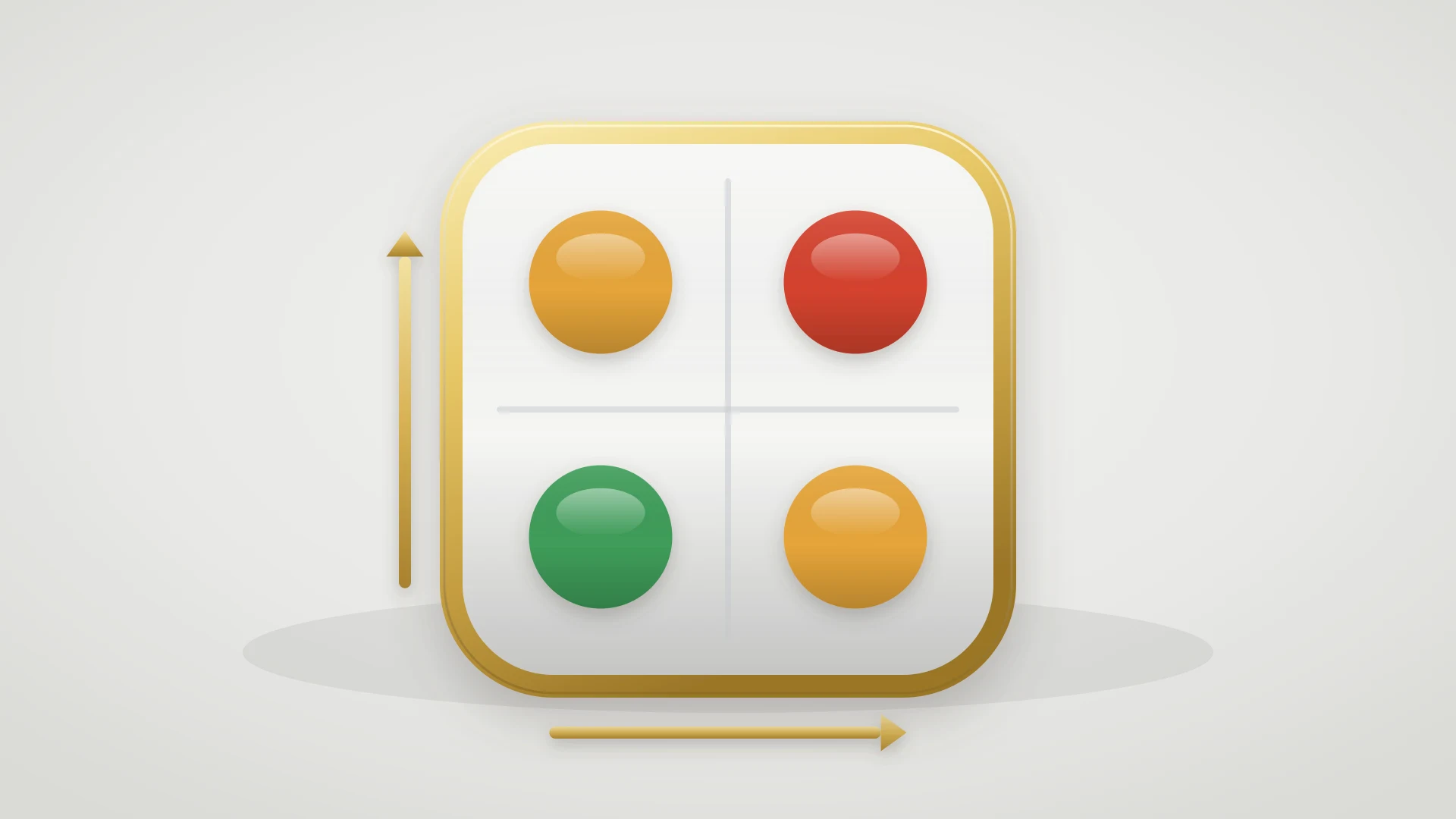
Severity is how bad the bug is. Priority is how soon it gets fixed given business context. Teams get this distinction wrong more often than any other, and the confusion is expensive because it collapses two separate decisions into one and lets engineering judgment override business judgment by accident.
Severity (how bad it is)
- Set by engineering or QA
- Judged on technical and user-experience grounds
- Independent of which customer is affected
- Relatively objective and stable
- Answers: how broken is this?
Priority (how soon to fix)
- Set by the triage owner
- Judged on business impact and roadmap
- Depends entirely on who is affected
- Changes as customer impact changes
- Answers: what do we do next?
The practical rule: a bug has one severity but its priority can move every week. A crash in an unused beta feature is high severity, low priority. A misaligned button on the checkout page your biggest customer stares at all day is low severity, high priority. Treating these as the same number is how the wrong bug ends up at the top of the queue.
Who Should Be in the Room
Triage needs three voices. On a small team one person can hold two of them, but none of the three can be missing.
The triage owner
One person makes the final priority call. Triage by committee produces compromise rankings that satisfy no one and reflect nothing. The owner listens to severity and impact, then decides.
The engineering voice
Someone who can judge severity and rough effort. A bug that looks Critical from the outside but takes ten minutes to fix is a different decision than one that takes three weeks, and only engineering knows which is which.
The support or product voice
Someone who carries customer impact into the room. Without it, the queue gets ranked on technical severity alone, which is technically correct and commercially wrong. This voice is the one most often left out, and leaving it out is the most common reason triage produces the wrong order.
For teams running an engineer-on-support rotation, the rotating engineer often plays two of these roles at once, which is part of why the rotation works so well. The engineer-on-support rotation guide covers that setup in depth.
How Often to Triage
Most teams do well with a short daily pass plus a longer weekly review. Cadence beats intensity. A short pass that happens every day catches urgent issues before they wait a week for their first look. A longer review every week catches patterns and re-ranks the backlog. Both run on a schedule, not on adrenaline.
Daily: a fast pass on new and high-severity reports
Ten to fifteen minutes. Confirm, assign severity, set an initial priority, route it. The goal is that nothing critical sits unseen overnight, not that every bug gets a final ranking.
Weekly: a full backlog review
Twenty to thirty minutes with all three voices present. Re-rank open bugs, catch the Medium that has quietly become a High, retire bugs that no longer reproduce, and surface patterns across multiple reports. This is also where support and engineering keep the relationship warm, which lowers the cost of every handoff in between.
The Role of Tooling
Most of triage is judgment, and no tool makes the prioritization call for you. But tooling decides whether the output of triage survives contact with a busy week. Three places it pays off.
Structured intake
When bug reports are captured with severity, reproduction steps, and customer context as required fields, triage starts from complete information instead of a follow-up thread. The fastest triage is the one where the report already has everything the decision needs.
One-click routing to the tracker
The step that gets skipped under load is moving the triaged bug into the engineering tool as tracked work. When routing is a copy-paste job across two systems, it does not happen consistently. When it is one action that carries the fields over intact, it does.
A status loop back to support
Triage does not end when the bug is routed. Support still needs to know when priority changes and when the fix ships, so they can update the customer. A two-way link between the support tool and the tracker keeps both sides current without anyone re-typing status.
For teams where support runs on HubSpot Service Hub and engineering runs on Linear, IssueLinker handles all three. The HubSpot ticket carries the severity and impact fields into triage, escalating it creates a synced Linear issue in one click with the context intact, and when the Linear issue changes status the HubSpot ticket updates so support can close the loop with the customer. The triage decision stops dying in a Slack thread. The full pattern is in the Linear HubSpot integration guide.
Make triage decisions stick instead of dying in Slack
If support runs on HubSpot Service Hub and engineering runs on Linear, IssueLinker turns a triaged ticket into a synced Linear issue in one click and keeps the status flowing back so support always knows what to tell the customer.
What to Do This Week
If bugs are piling up and the order they get worked in feels random, three actions are worth taking before changing tools.
Write down four severity definitions
Critical, High, Medium, Low, with one sentence each. Put them where the team can see them. Most triage debate is really an argument about definitions that were never written down.
Separate severity from priority on your current queue
Take your ten oldest open bugs and give each one a severity and a separate priority. The gap between the two columns is usually where the misranked work has been hiding.
Put triage on the calendar
A daily fifteen-minute pass and a weekly thirty-minute review, with the engineering and support voices both invited. The schedule is what turns triage from a fire drill into a process.
Triage is not the work of fixing bugs. It is the work of making sure the right bug is always the next one fixed. That is a small amount of recurring effort for a large and compounding return, and it is the difference between a queue that serves customers and one that just grows.