Support SLAs are one of the artifacts most teams set up wrong on the first attempt and never revisit. The first version is aspirational, picked from a benchmark blog post or an executive's gut feel. It is missed for the first quarter, the team gets fatigued chasing it, and either the target gets relaxed and starts being ignored, or the team burns out trying to hit it. The version that holds up is more boring, more honest, and more useful.
In this article
1.
2.
3.
4.
5.
6.
7.
8.
9.
What an SLA Is Actually For
A support SLA has one job. It turns response time from a hope into a planned outcome, and it gives the team a concrete number to staff and tool against. Everything else teams attach to SLAs, like contractual penalties, executive reporting, or customer-facing marketing, is downstream of getting that core job right.
Without an SLA, response time is governed by whoever shouts loudest. A quiet enterprise customer gets ignored while a noisy lower-tier customer gets prioritized, because the queue has no policy. The SLA tells the team "respond to this category of ticket within this window," and the tooling can enforce it.
The Three SLAs That Matter
Most teams that try to define every possible SLA end up with five or six metrics nobody hits. Pick these three. Drop everything else.
Time to first response
The clock starts when the ticket is created and stops when a human replies. This is the metric customers notice most, because the first reply is the signal that they were heard. The lowest target should be measured in minutes, not days.
Time to resolution
The clock starts when the ticket is created and stops when it is closed. This tracks whether the team is actually solving problems, not just acknowledging them. It is higher-variance than response time, which is why severity-based scoping matters even more here.
Time to update
The clock starts at the last update and stops at the next, while the ticket is in progress. Most teams skip this and it is the one customers grumble about most. A ticket acknowledged in fifteen minutes then silent for a week feels worse than one acknowledged in an hour and updated every two days.
How to Set Realistic Targets
Targets pulled from benchmark blogs are the wrong starting point. Targets pulled from your own data are the right one.
- 1
Pull the last sixty days of closed tickets
Export them from your support tool. This is the population you are setting targets against.
- 2
Bucket them by severity
Critical, High, Medium, Low. The targets only make sense per band.
- 3
Calculate the 90th percentile per bucket
Response time, resolution time, and update interval. Use those numbers as the floor.
- 4
Set the actual target ten to twenty percent tighter
Tight enough to force a small improvement, loose enough that the current team already mostly hits it.
A target set this way is hittable, because the current team is already hitting it ninety percent of the time. It has some stretch, because the tighter version forces a small operational improvement. And it produces honest metrics, because the gap between target and actual is real and trackable. The opposite approach, setting targets on what looks good on a marketing page, produces dashboards where the team is always behind and the executive view is always red. Within a quarter, the target gets ignored or quietly revised down, and the team learns that SLAs are theater.
Wiring SLAs to Severity
A single SLA across all tickets fails in both directions. It over-commits on Low-severity tickets and under-commits on Critical ones. The fix is to scope SLAs by severity, which is why the severity scale you use matters as much as the SLA itself. The four-level scale covered in the escalation matrix guide maps cleanly to four SLA bands.
| Severity | Routes to | Response target (starting point) |
|---|---|---|
| Critical | On-call engineer | 15 minutes |
| High | Engineering escalation | 1 business hour |
| Medium | Senior support | 1 business day |
| Low | Tier 1 | 3 business days |
The numbers above are starting points. Your team's actual targets should come from the data exercise in the previous section. The structure is what matters: severity decides routing, routing decides who responds, and the SLA timer starts the moment the ticket is filed at that severity. The wiring also has to be visible. A ticket close to breach should surface to the top of the agent's view automatically, not buried in a daily report.
Measuring SLA Performance
Two metrics tell you whether the scheme is working: SLA attainment, the percentage of tickets that met their target, and the trailing miss reason, why the misses happened. Attainment alone is misleading. A ninety-percent number that hides a long tail of bad misses is a worse signal than an eighty-percent number where the misses cluster around the edge.
The miss-reason analysis is simple. For every ticket that missed its SLA, classify why. Four categories cover most teams, and the distribution tells you what to fix.
Wrong severity at file time
Most misses here? Tighten your severity criteria.
Rep unavailable
Most misses here? Staff up or shift schedules.
Escalation path stalled
Most misses here? Look at the bridge to engineering.
Customer did not respond
A clarifying question went unanswered. Often a pause-the-clock policy issue, not a team failure.
The team that runs this analysis once a month is the team whose SLA scheme keeps improving. The team that only watches attainment is the team that keeps missing the same way for years.
Common Mistakes
Failure modes worth naming
- One SLA across all tickets. Too loose for Critical or too tight for Low. The fix is severity-scoping.
- Targets pulled from a benchmark blog written for a generic SaaS company, not your product. The fix is your own data.
- Time to resolution as the only metric. Hides the time-to-update gap customers actually notice. The fix is the three-metric set.
- SLA breach with no escalation. The fix is an automatic rule routing a missed ticket to a senior rep or manager with a Slack notification.
- Pause-the-clock policies that are too generous. The fix is a tight definition: pause only when you have explicitly asked the customer for blocking information.
- Quarterly reviews that never lead to change. The fix is making the review a forcing function: every growing miss-reason category gets a named owner and a date.
The Engineering Handoff Problem
The SLA that breaks first when volume grows is time to resolution on tickets that need engineering work. Support has met the first-response target, the bug has been escalated to engineering, and the resolution clock is running while the ticket sits in someone else's backlog.
There is no clean answer that lives entirely on the support side. The resolution SLA on engineering-bound tickets depends on engineering's response, which depends on the quality of the handoff, the visibility of the work, and how cleanly status changes flow back. Without a real two-way connection between the support tool and the engineering tracker, the resolution timer becomes a metric support is measured on but cannot influence.
Without a two-way link to engineering, the resolution timer is a number support is measured on but cannot move.
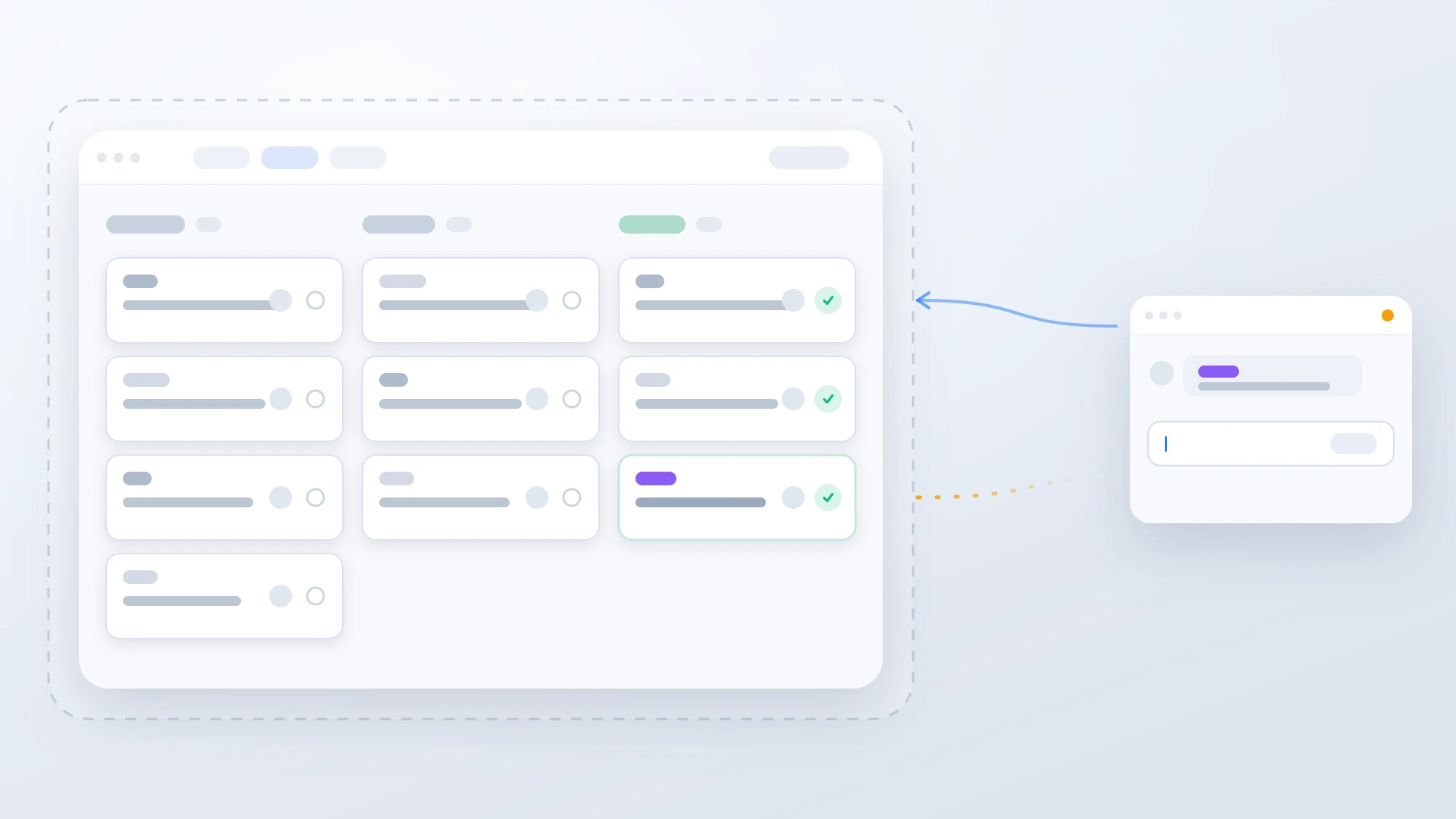
For HubSpot Service Hub and Linear specifically, the part of the workflow that closes this gap is a sync that brings Linear status changes back to the HubSpot ticket automatically, so the resolution timer reflects actual engineering progress. When the Linear issue moves to Done, the HubSpot ticket gets updated and the closing reply is staged. The full pattern is covered in the Linear HubSpot integration guide, and the escalation matrix guide covers the routing side that feeds into the SLA.
SLAs that engineering progress feeds back into
If support runs on HubSpot and engineering runs on Linear, IssueLinker keeps the HubSpot ticket in sync with the Linear issue's status. Resolution SLAs reflect real engineering progress, and the closing reply ships the moment the fix lands.
A Rollout Plan for Teams Without SLAs Yet
If your team does not have SLAs in place yet, four steps cover the first month.
- 1
Pull sixty days of ticket data and bucket by severity
Calculate 90th percentile response and resolution time for each severity bucket. This is the floor you are setting targets above.
- 2
Set targets ten to twenty percent tighter than the floor
Three SLAs per severity band: response, resolution, update. Twelve numbers across four severities. Write them down somewhere visible to the team.
- 3
Wire the SLA into the support tool
Tickets close to breach surface to the top of the queue. Tickets that breach trigger automatic escalation. Both are one-time configurations in HubSpot Service Hub or any modern support tool.
- 4
Run a miss-reason review at the end of the first month
Classify every missed ticket by reason. Pick the largest category and make one change. Repeat monthly. Within a quarter the scheme is calibrated and the attainment number is honest.
The most important thing the rollout produces is not the targets. It is the habit of looking at SLA misses honestly and changing one thing per cycle. Teams that build that habit end up with schemes that improve quarter over quarter. Teams that set targets once and never revisit them end up exactly where they started, with a slightly nicer dashboard.