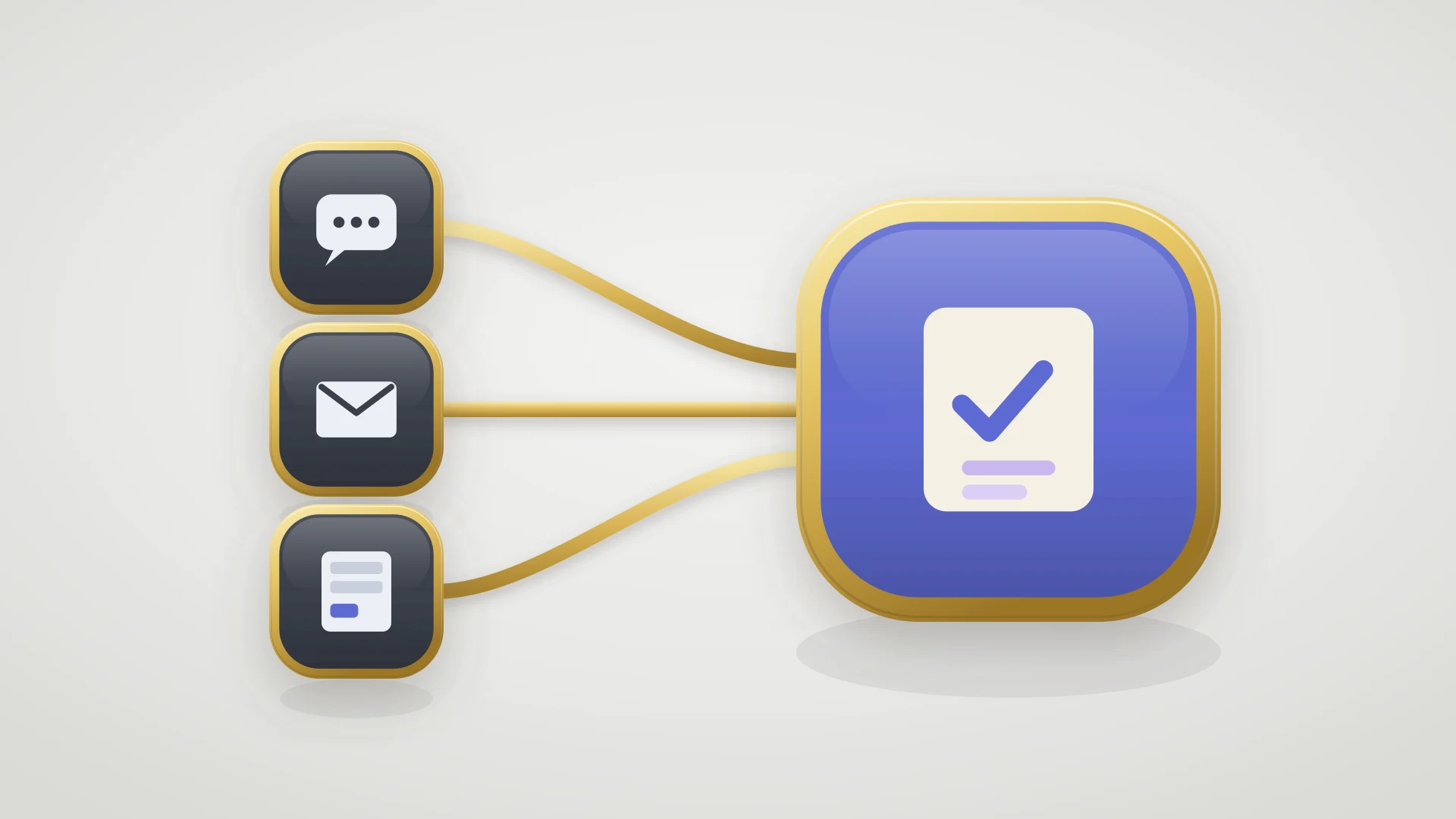
Customer feedback management is the process of turning what customers tell you into changes, and then telling them what changed. It runs in four stages: collect, categorize, route, and close the loop.
Most teams are good at collecting customer feedback and bad at doing anything with it. The surveys go out, the NPS number gets reported, the feature requests pile up in a shared document, and the customer who took ten minutes to write a thoughtful bug report never hears another word about it. Customer feedback management is not the collecting. It is everything that happens after, and the part that decides whether customers keep talking to you is the part most teams never build.
In this article
1.
2.
3.
4.
5.
6.
7.
8.
9.
What Customer Feedback Management Is
Customer feedback management is the process of turning what customers tell you into changes, and then telling them what changed. That is the whole thing. It is a workflow, not a category of software, and confusing the two is the first mistake most teams make.
The confusion is understandable, because the market sells it as a tool. Search for help and you get lists of survey platforms and review widgets. Those collect feedback. Collecting is the easy stage and the one nobody actually struggles with. The stages that decide whether the effort was worth anything are the ones a survey tool does not touch: deciding what the feedback means, getting the actionable part to someone who can act, and reporting back to the person who sent it.
The Four Stages of a Customer Feedback Management Process
A working process has four stages, and each one hands off to the next. The reason to name them separately is that teams tend to be strong at the first two and weak at the last two, and the weakness is invisible until you look for it.
Collect
Gather feedback from every channel into one place. Support tickets, sales calls, cancellation surveys, in-app prompts, and the founder's inbox all count. The goal here is coverage, not sorting. Sort too early and you lose the feedback that arrived through the wrong door.
Categorize
Decide what each piece of feedback is and what, if anything, it should change. This is triage, and it is where a good process spends its judgment. Most feedback is a data point, some is a bug, a little is a genuine product direction.
Route
Send the actionable part to the team that can act on it. A bug goes to engineering, a pricing objection goes to the founder, a documentation gap goes to whoever owns the docs. Feedback with no owner does not get acted on, it gets discussed.
Close the loop
Tell the customer what happened. This is the stage that pays for the other three, and it is the one almost everyone drops. A closed loop turns a single piece of feedback into a customer who sends more.
A feedback process that collects and categorizes but never closes the loop is a suggestion box with extra steps. Customers learn the box is not connected to anything and stop using it.
Where to Collect Customer Feedback
The channels worth wiring in first are the ones customers already use without being asked. Collection is the stage teams overthink. The instinct is to launch a survey program, when most of the useful feedback is already arriving and simply not being captured in one place. A support ticket that says "this has been broken for a week" is feedback. A sales call where three prospects ask for the same missing integration is feedback. A cancellation reason is the most honest feedback you will ever get. None of that requires a survey, and all of it tends to live in a different system from the last one, which is exactly why it never gets managed as a set.
The point of the collect stage is that everything lands somewhere you can look at it together. It does not have to be one tool. It has to be one view. If feedback lives in five systems and no one ever sees it side by side, the categorize stage has nothing to work with.
How to Categorize and Prioritize Feedback
Categorize feedback by the decision it would change, not by topic. Categorization is where teams either build something useful or build a taxonomy that rots. The failure mode is the same one that ruins bug tracking: a long list of tags that everyone owns and no one maintains, until the labels mean nothing and sorting by them tells you nothing.
A useful category is one where knowing a piece of feedback belongs to it changes what you do next.
| Category | The decision it changes | What happens next |
|---|---|---|
| Bug | Whether engineering picks it up, and how fast | Route to the tracker with a filable report |
| Feature request | Whether it joins the roadmap conversation | Cluster with duplicates, weigh by demand |
| Friction | Whether docs, onboarding, or UX changes | Route to whoever owns that surface |
| Sentiment | Whether a relationship needs attention | Flag to the account owner, no product change |
Four categories are usually enough. Notice that only two of them, bugs and feature requests, imply a product change, and those two are the ones that leave the support team's control. That detail is the whole reason customer feedback management is harder than it looks.
Prioritization inside a category runs on demand and impact, not on who complained loudest. The feature that three enterprise accounts and thirty smaller ones have asked for beats the one a single vocal customer mentions weekly. Managing feature requests well is its own discipline, and it is worth reading how to handle feature requests from support to engineering alongside this if requests are a large part of your inbound.
Routing Feedback to the Team That Can Act On It
Routing is where the customer feedback management process usually stalls. Collecting and categorizing happen inside the support team, which owns both. Routing a bug or a feature request to engineering means handing it across a boundary, and boundaries are where feedback goes to die.
The typical version of this handoff is a person. Support pastes a summary into a Slack channel, or files a ticket in the engineering tracker by hand, or tags an engineer and hopes. It works until it is busy, and it is always busy when it matters. The report arrives half-formed, engineering asks for reproduction steps that were in the original ticket, and the thread goes quiet. Nobody decided to drop it. It just fell through the gap between two tools.
The report has to be filable on the first pass
Engineering cannot act on "customer says it's broken." Routing means the bug arrives with steps to reproduce, environment, and customer impact already attached, so no one has to go back and ask. The bug tracking template covers the fields that make a report actionable.
The handoff cannot depend on someone remembering
A route that runs on a person copying information between two systems fails at exactly the moment volume spikes. The connection between the support tool and the tracker has to carry the feedback, so the handoff happens whether or not anyone is watching.
Status has to come back on its own
Routing is only half a handoff. If the feedback goes into the tracker and no status ever returns, support cannot close the loop, because it does not know when the work is done. This is the piece that a manual route almost never solves.
This is the same structural problem that breaks resolution metrics: the moment a piece of feedback needs a code change, the clock leaves the support team's control and lands in a backlog it cannot see. We covered the measurement side of that in customer service metrics. The feedback side has the same root and the same fix.
Closing the Customer Feedback Loop
Closing the loop is the highest-leverage stage in the entire process, and it is the one that gets cut first when things are busy. That is backwards. Every other stage is an input cost. Closing the loop is the only stage that produces a return, because it is the only one the customer experiences.
A closed loop is simple to describe and hard to run. The customer who reported a bug is told when the fix ships. The customer who requested a feature hears whether it is planned, and hears again when it launches. The customer whose complaint led to nothing is told that too, honestly, because a real answer beats silence. That is the entire mechanism, and the effect it has on future feedback volume is larger than any survey program.
A customer who hears back once will send you feedback for years. A customer who never hears back sends it once, decides it went into a void, and takes the next problem to a review site instead.
The reason closing the loop is hard is not that anyone forgets it matters. It is that support cannot send the closing reply until it knows the outcome, and the outcome lives in a system support does not watch. So the reply waits on someone remembering to check the tracker, and then it waits on someone remembering which customer to tell. Both of those manual steps fail quietly, and the loop stays open by default.
Close the loop without watching two tools
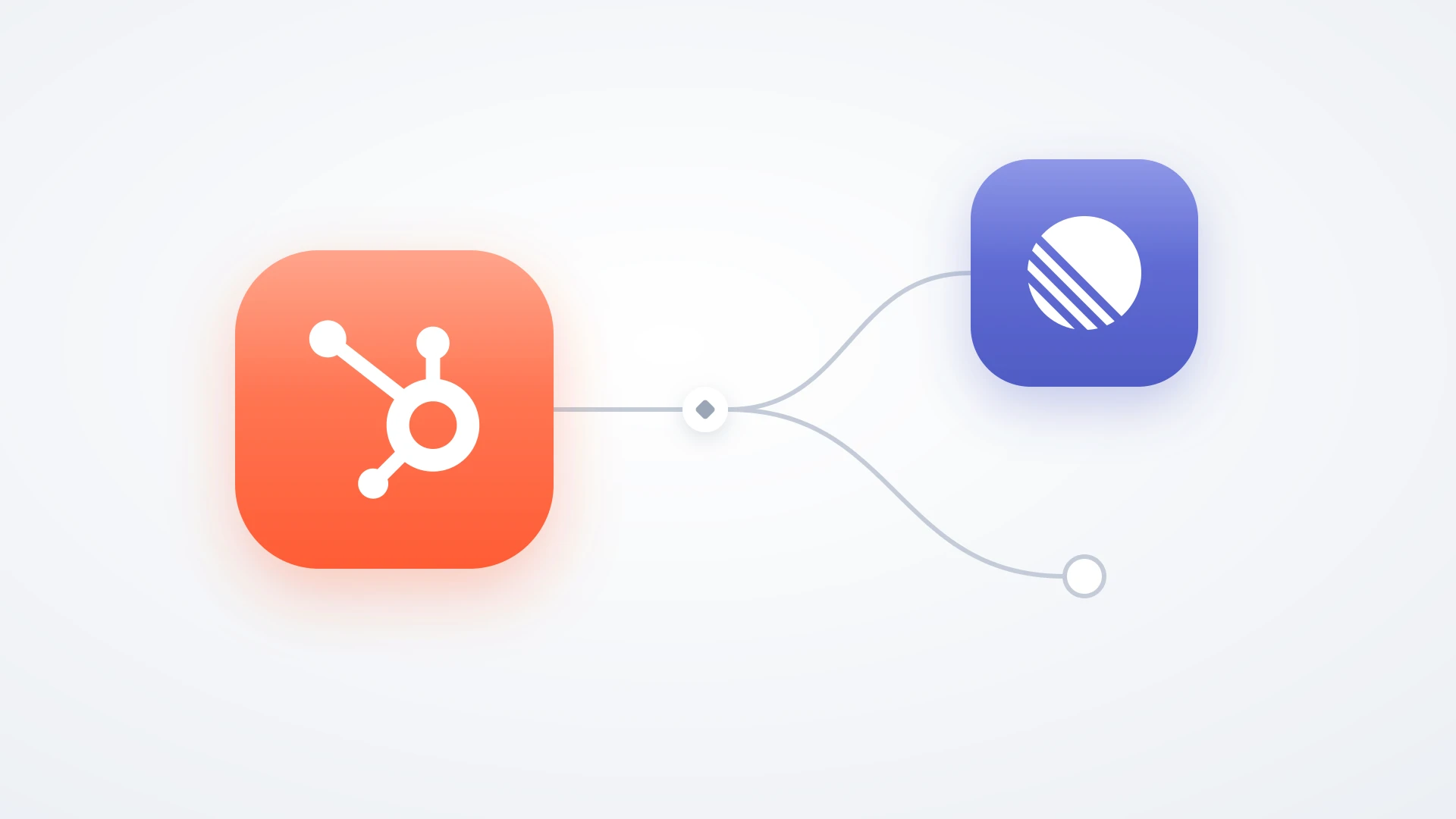
If support runs on HubSpot and engineering runs on Linear, IssueLinker keeps the ticket and the issue in sync both ways. When engineering ships the fix, the status flows back to the ticket on its own, so the closing reply gets sent the day it matters instead of a month later.
Choosing a Customer Feedback Management System
Only once the process is clear is it worth talking about the system that runs it, and the honest answer is that the system matters less than teams expect. A great process on a spreadsheet beats a mediocre one on a dedicated platform, because the platform does not run the categorize and close stages for you. It just stores things.
The real question is not which feedback management software has the most features. It is how far your current setup carries the process before it breaks.
When a spreadsheet is genuinely enough
- Feedback volume is low enough that one person can read all of it weekly.
- Most feedback is sentiment or friction, not bugs and feature requests that need engineering.
- The team closing the loop is the same team collecting the feedback, so nothing crosses a tool boundary.
When you have outgrown it
- Feedback routinely turns into work that lives in an engineering tracker support cannot see.
- The closing reply depends on someone manually checking whether a fix shipped.
- The same bug or request shows up in three places with three versions of the truth.
The pattern in the second list is that the process has left one team and one tool. That is the moment a system has to do more than store, because the failure is no longer collection or sorting. It is the handoff and the reply. A customer feedback management system that cannot reach into the engineering tracker will collect feedback beautifully and still leave every loop that touches a bug wide open.
A 30-Day Rollout
You do not need a platform purchase to start. You need the four stages running end to end for one category of feedback, then you widen it.
- 1
Week one: pick one channel and one destination
Route only bugs from support tickets, and route them to your engineering tracker. One narrow path, run properly, teaches more than five channels run loosely.
- 2
Week two: make the report filable at the source
Add the fields engineering needs to the ticket itself, so a routed bug arrives complete. This kills the back-and-forth that stalls most handoffs in the first week.
- 3
Week three: build the return path
Decide how status gets back to support when a fix ships, and how the closing reply reaches the customer. If this depends on a person remembering, it will fail. Wire it instead.
- 4
Week four: close ten loops on purpose
Find ten pieces of feedback from the last quarter that never got a reply, and send those replies now. It is the fastest way to feel what the process is actually for, and the responses will tell you it was worth building.
The habit is what compounds. A team that closes loops as a matter of routine gets a feedback channel that improves every month, because customers learn it works and invest more in it. A team that only collects gets a growing archive nobody reads and a customer base that has quietly concluded feedback is a waste of their time.