No, Linear is not a ticketing system, and it is not trying to be one. Linear can hold incoming requests through Triage and can run an internal help desk for coworkers who have workspace accounts, but it cannot be a customer-facing support tool.
If your engineering team runs on Linear, the question comes up sooner or later: could support just run here too? It is a reasonable thing to ask. Linear is fast, your team already lives in it, and every extra tool is another subscription, another login, and another place for work to go missing.
That answer is too blunt to be useful on its own, because Linear does cover real parts of the job, and there is one version of the question where the answer is a clean yes. This guide walks through what Linear actually gives you, the four things it does not do, where it works as a help desk, and the two setups that work for customer support.
In this article
1.
2.
3.
4.
5.
6.
7.
8.
9.
What People Mean by "Linear Ticketing System"
The phrase hides three different questions, and they have three different answers. Sorting out which one you are asking saves a lot of wasted evaluation.
Can Linear hold incoming requests?
Yes, and this is what Triage is for. Work arriving from outside the team lands in a queue and waits for a person to accept or decline it. This part Linear does well.
Can Linear be our internal help desk?
Yes. When the requester is a coworker who already has a workspace account, Linear covers the whole loop without a second tool.
Can Linear be our customer-facing support tool?
No. This is where it stops, and the reason is structural rather than a missing feature.
What Linear Actually Gives You
Linear already covers three parts of the support job: Triage as an intake queue, Customer Requests that tie work back to accounts, and integrations as the intake channel. These are the parts most people assume are missing.
Triage, a real intake queue
Issues from integrations and from people outside the team collect in a holding inbox instead of dropping into the backlog, and each one gets accepted, declined, marked duplicate, or snoozed. That is intake and routing, which is genuinely half of what a ticketing system does. The Linear Triage guide covers the mechanics.
Customer Requests, tying work back to accounts
Linear can attach a customer request to an issue, so engineering can see which accounts asked for a thing and how many of them. That covers the many-reports, one-issue pattern that a naive ticket-per-bug setup gets wrong. The customer requests guide goes deeper.
Integrations as the intake channel
Slack, Sentry, and connected tools file into Linear directly, which means the intake path from wherever your reports originate already exists and does not need building.
Linear covers intake, routing, and prioritization. What it does not cover is the customer, and that gap is deliberate rather than an oversight.
The Four Things Linear Does Not Do
Linear has no customer-facing thread, no shared inbox, no SLA timers, and no knowledge base or customer identity. Each of these is a thing a helpdesk exists to do, and none of them are on Linear's roadmap in any serious sense, because Linear is a tool for the people doing the work rather than the people asking for it.
There is no customer-facing thread
Your customer cannot see a Linear issue, cannot reply to it, and should not be able to. Engineering talks candidly in issues. That candor is a feature, and it is exactly why you would never hand a customer the link.
There is no shared inbox
Support runs on email, chat, and forms. Linear has no channel that turns an inbound customer message into a record on its own, which means something else has to sit in front of it.
There are no SLA timers
First response time and resolution targets are the spine of a support operation, and Linear has no concept of a clock running against a customer promise. Our SLA management guide covers what you would be giving up.
There is no knowledge base or customer identity
No help center, no portal, and no record of who this person is, what they pay you, or what they asked last quarter. A support agent needs all of that in front of them before they answer.
Linear as a Help Desk: Where It Genuinely Works
Linear works as an internal help desk, and teams run real IT and People operations on it. The internal help desk is the version of the question with a clean yes.
The reason it works is the same reason it fails for customers. Internal requesters already have a workspace account, so the "no customer-facing thread" problem evaporates. They can see the issue, comment on it, and watch the status change. Requests that arrive from coworkers in Slack become issues and get worked in the same queue as planned engineering work, which means there is no second tool, no separate inbox, and no context switch for the people doing the work.
Internal help desk (IT, People, Legal)
- Requester already has a workspace seat
- They can read and comment on the issue directly
- Requests arrive from Slack where people already ask
- Same queue and workflow as engineering work
- No SLA promise to a paying customer
- Works today with no extra tooling
External help desk (paying customers)
- Customer cannot see or reply to an issue
- Needs a shared inbox for email and chat
- SLA clocks are a contractual commitment
- Needs customer identity, plan, and history
- Needs a help center and a status portal
- Engineering candor in issues is not customer-safe
Linear as a Service Desk: Same Line, Same Answer
A service desk is a help desk with more process around it, so the line falls in exactly the same place. Internally, it holds up well. Requests route into Triage, a named person owns the queue, and issues land in a workflow the team already trusts, which is most of what a service desk framework asks for.
Externally, the gaps compound rather than shrink. A service desk usually implies a request portal, a service catalog, approval steps, and SLA reporting. Linear has none of those pointed at people outside your workspace. If you need an external service desk, you need a service desk product, and this is one of those cases where the honest recommendation is to buy the right category of tool rather than bend Linear into a shape it was not built for.
Linear for Customer Support: The Two Setups That Work
Two setups work for customer support with Linear: consolidate support into a Linear-native tool, or bridge your existing support tool to Linear. Linear cannot be the whole system for customer support. That does not mean it plays no part, and in practice it plays the most important part: it is where the fix actually happens. There are two architectures that work, and they are genuinely different bets rather than a good option and a bad one.
- 1
Consolidate: move support into a Linear-native tool
Tools like Plain are built around Linear from the start, so support conversations and engineering issues live in one connected system with no bridge to maintain. This is the cleaner architecture on paper. The cost is that your support tool now sits outside your CRM, which matters a lot if sales and success already run there. We compared this tradeoff directly in Plain vs IssueLinker.
- 2
Bridge: keep your support tool and sync it to Linear
Support stays where your customer data already is, and each report that needs engineering work becomes a linked Linear issue. The ticket stays customer-facing, the issue stays engineering-facing, and status flows between them. This is the right call when your CRM is the system of record and you are not willing to move support out of it.
The decision is rarely about Linear at all. It comes down to whether your customer context lives in a CRM you intend to keep. If it does, bridging wins. If your support operation is small and engineering-heavy and you have no CRM gravity, consolidating is genuinely simpler. Our support ticket system guide walks through the three categories if you are still choosing.
Linear Support Tickets Without Leaving HubSpot
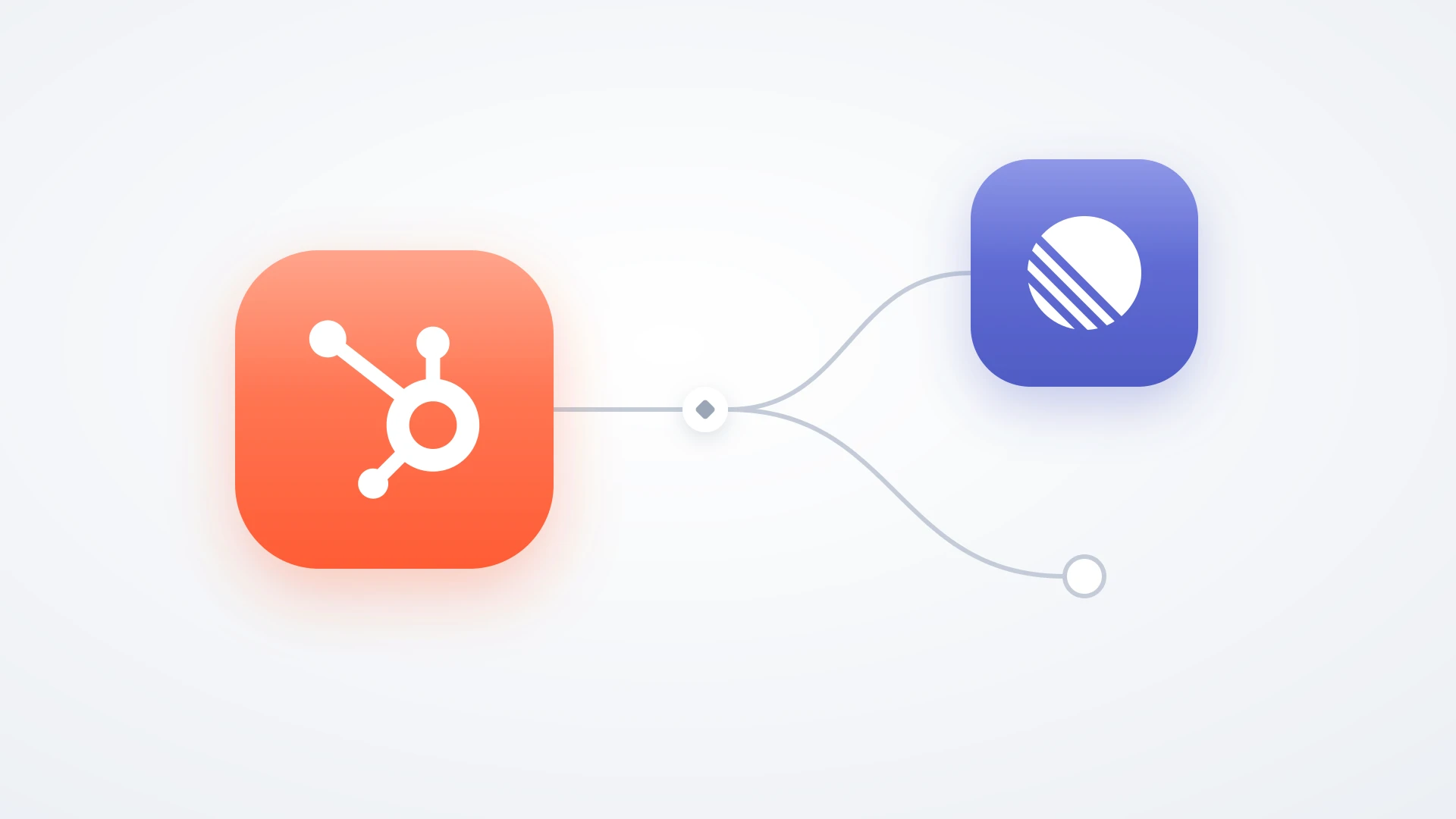
If your CRM is HubSpot, the bridge is the setup that fits, and it is the exact case IssueLinker is built for. Support keeps working tickets in HubSpot Service Hub, where the contact record, the deal history, and the conversation already are. From any ticket, one click creates a Linear issue with the ticket context carried over, so it arrives in Triage ready to judge rather than as a bare title.
The part that matters most is what happens after. Comments and notes sync both ways with loop prevention, so an engineer's question in Linear reaches the support rep without either person switching tools, and when the issue moves to Done, the linked ticket updates so support knows the fix shipped and can close the loop with the customer. That is the piece teams lose when they paste a Linear link into a ticket note and rely on someone remembering to check it later. The Linear HubSpot integration guide covers the full setup.
Keep tickets in HubSpot, keep issues in Linear, and let them talk
IssueLinker turns a HubSpot ticket into a synced Linear issue in one click, with the customer context attached and a two-way status and comment loop so support always knows what engineering shipped.
How to Decide This Week
Three questions get you to an answer without a long evaluation.
Does the requester have a workspace seat?
If every requester is a coworker, stop reading and use Linear. You do not need a support tool for an internal help desk, and adding one creates a queue nobody owns.
Do you have CRM gravity?
If your customer history, deals, and conversations already live in a CRM, keep support there and bridge to Linear. Moving support out to consolidate usually costs more context than the bridge ever costs you.
Are the ticket and the issue the same record in your head?
If so, separate them before you pick any tool. One issue can serve ten tickets, and most tickets never need an issue. A setup that assumes one-to-one will fight you within a month.
Linear is an excellent place for engineering work and a poor place for customer conversations, and both of those are on purpose. The teams who get the most out of it are not the ones who found a clever way to make it a ticketing system. They are the ones who let it be an issue tracker and put something in front of it that knows who the customer is.