Most people looking for an n8n alternative are not unhappy with the product. They are solving an ownership problem, and this guide sorts the n8n alternatives by who operates the thing and who is on the hook when it stops.
In this article
1.
2.
3.
4.
5.
6.
7.
8.
9.
10.
11.
The n8n Alternatives at a Glance
Every tool here triggers on an event and runs steps. What separates them is licensing, who runs the server, and what shape your work actually is.
| Alternative | Best for | License | Who operates it |
|---|---|---|---|
| Activepieces | A like-for-like visual builder, permissively licensed | Permissive open source | You, or their cloud |
| Node-RED | Event routing and long-running stability | Apache 2.0 | You |
| Windmill | Teams whose steps are really scripts | Open source | You, or their cloud |
| Kestra | Pipelines with schedules, data, and dependencies | Apache 2.0 | You, or their cloud |
| Temporal | Work that must retry, resume, and survive a deploy | MIT | You, or Temporal Cloud |
| Trigger.dev | Durable background jobs in a TypeScript codebase | Open source | You, or their cloud |
| Make or Zapier | Getting off the server entirely | Proprietary | The vendor |
| Purpose-built tools | One integration that has to work | Proprietary | The vendor |
The first question is not which of these is best. It is which of three operating models you are willing to sign up for.
Why Teams Look for an n8n Alternative
Teams look for an n8n alternative because of a consequence of the product rather than the product itself. The license turned out to be fair-code rather than open source and legal had opinions. The upgrade that was supposed to take twenty minutes broke four workflows. Or the container quietly restarted at two in the morning and nobody found out until a customer asked why they never heard back.
That makes this a different search than the one for a Zapier alternative, and it deserves a different answer. Zapier refugees are usually solving a pricing problem. n8n refugees are usually solving an ownership problem.
Be precise about which of these sent you here, because they point at different replacements and three of the five are not solved by another self-hosted tool.
The license, once someone actually read it
Fair-code passes casual inspection and fails formal review. If a customer security questionnaire, an enterprise procurement process, or your own product roadmap depends on a permissive license, this is a hard requirement rather than a preference, and it eliminates most of the category in one pass.Upgrades that break workflows
Self-hosted automation ages badly. Nodes change, credential formats move, and a version jump you deferred for six months turns into an afternoon of repair across every flow at once. The teams who feel this most are the ones who did the responsible thing and did not upgrade during a busy quarter.Scaling past a single container
One instance handles a surprising amount. Past that you are into queue mode, a Redis dependency, worker processes, and concurrency tuning, which is a real infrastructure project rather than a settings change. That is the point where several teams decide they did not want to run an automation platform after all.The builder shuts out the people who need it
The canvas is friendly enough that operations people want to use it and technical enough that they will not maintain it. So engineering ends up owning workflows that exist to keep engineering out of the loop, which is the exact inversion the tool was bought to prevent.Scope mismatch
You installed a general automation platform because two specific tools needed to talk to each other. Every other reason on this list is a cost you took on to solve a problem that never needed a platform.
If your reason is the first, Activepieces, Node-RED, or Automatisch is the answer. If it is the second or third, a managed option like Make, Zapier, or Pipedream is the honest answer. If it is the last one, a native integration or a purpose-built tool is the answer.
If the License Is the Problem: Activepieces, Node-RED, and Automatisch
Activepieces is the closest like-for-like swap. The visual builder will feel familiar within an hour, it is permissively licensed, it self-hosts cleanly, and it has leaned hard into AI steps in recent versions. The tradeoff is coverage. Its connector library is meaningfully smaller than n8n's, so the odds that the exact integration you need already exists are lower, and you will fall back to generic HTTP requests more often. That is fine if you are comfortable reading API docs and a genuine slowdown if you are not.
Node-RED is the oldest tool in this guide and the most underrated one. It is Apache licensed, an OpenJS Foundation project, and it came out of IBM's IoT work, which shows in both directions. It is exceptionally stable, it runs happily for years on modest hardware, and its flow model is a better fit for routing events and transforming messages than for orchestrating SaaS APIs. If your automation is closer to plumbing than to business process, it is a strong and boring choice, which in operations is a compliment.
Automatisch is the smallest of the three. It is genuinely open source, straightforward to stand up, and honest about its scope. Look at it if your needs are modest and the license is the only thing that matters. Do not expect it to replace a mature n8n deployment.
Windmill
Windmill is the best answer for a team that liked owning the infrastructure and disliked working through a canvas. Steps are scripts in TypeScript, Python, Go, or Bash, versioned like code, composed into flows, and optionally given a generated UI so a non-developer can trigger them. It self-hosts, it has a cloud tier, and its execution model is fast enough that people notice.
The reason it belongs on this list rather than in a general automation roundup is that it fits how engineering-owned automation actually decays. On a visual builder, the logic that matters gradually migrates into code nodes anyway, and you end up maintaining scripts inside a tool that cannot review, test, or diff them. Windmill starts from the code and adds the orchestration, which is the right way around for that team.
Its limitation is the other half of the same fact. If the goal was to let a support lead build their own workflow without filing a ticket, this is a step backward rather than forward.
Where Windmill wins
- Scripts are the primitive, so version control and review work normally
- Self-hosted or managed, with the same model either way
- Generated UIs let non-developers run flows they could not build
The tradeoff
- Non-technical builders are worse off than on a canvas
- Smaller prebuilt integration library than n8n
- You are still operating a server unless you take the cloud tier
Kestra
Kestra is worth a look when you discover that what you built in n8n is not an automation at all. If your flows run on a schedule, move data between a warehouse and an application, depend on each other, and need backfills when something upstream was wrong, you have been writing data pipelines in an automation tool.
Kestra is Apache licensed, declares flows in YAML so they live in a repository, and is built around exactly those concerns: scheduling, dependencies, retries, and visibility into historical runs. That last part is the one that converts people. Answering the question of what ran last Tuesday and why it produced the wrong number is straightforward here and awkward in general purpose automation tools.
It is the wrong tool for event-driven SaaS glue and it does not pretend otherwise. Choose it for pipelines and choose something else for tickets.
Temporal and Trigger.dev
Temporal and Trigger.dev are the n8n alternatives for workflows that have quietly become production software. There is a specific moment worth naming. You add a retry to a workflow. Then you add a check so the retry does not duplicate the record it already created. Then you add state so a partial run can resume where it stopped. Somewhere in there you stopped doing automation and started building a durable execution engine, badly.
Temporal is the mature answer to that. Workflows are code in Go, Java, TypeScript, or Python, and the platform guarantees they run to completion across process restarts, deploys, and outages, with a full history of every step. It is MIT licensed with a managed cloud, and it is genuinely infrastructure, which is both why it works and why it is overkill for posting a form fill to Slack.
Trigger.dev is the lighter version of the same idea for teams already living in TypeScript. Background jobs, long-running tasks, retries, and scheduling, written in your own codebase rather than in a separate tool, self-hosted or managed.
Neither is an n8n alternative in the way the marketing pages mean it. Both are the correct alternative for the subset of n8n users whose workflows have quietly become production software. If your flows carry money, customer commitments, or anything you would be embarrassed to silently drop, Temporal or Trigger.dev is the right tool.
If You Want Off the Server Entirely
The honest option nobody in an open source comparison wants to name is to stop self-hosting. Make is the usual destination, because it bills per module call, handles branching and iteration well inside one scenario, and a non-technical operations person can build in it. Zapier remains the broadest connector catalog and the easiest first build. Pipedream sits between the two for developers who want code steps without a server.
All three replace engineer-hours with an invoice. That is not a defeat. For a team of fifteen where the person maintaining automation is also the person shipping the product, an invoice is almost always the cheaper unit. The full breakdown of that category, including how the billing units differ and why the same automation costs wildly different amounts on each, is in the Zapier alternatives guide, and the n8n HubSpot to Linear walkthrough shows what the self-hosted version of one real workflow actually requires.
The Failure Mode Nobody Compares: Silence
A self-hosted workflow that stops running produces no error at all, and that is the difference that costs the most. Feature tables compare connectors and pricing. They never compare what happens when a workflow stops.
A managed platform tells you. The run appears in a history with a red mark, an email goes out, and someone sees it. A self-hosted instance that ran out of memory at two in the morning and came back up empty does not tell anyone. The workflow is not failing. It is not running, which produces no errors at all. The thing that eventually discovers it is a person.
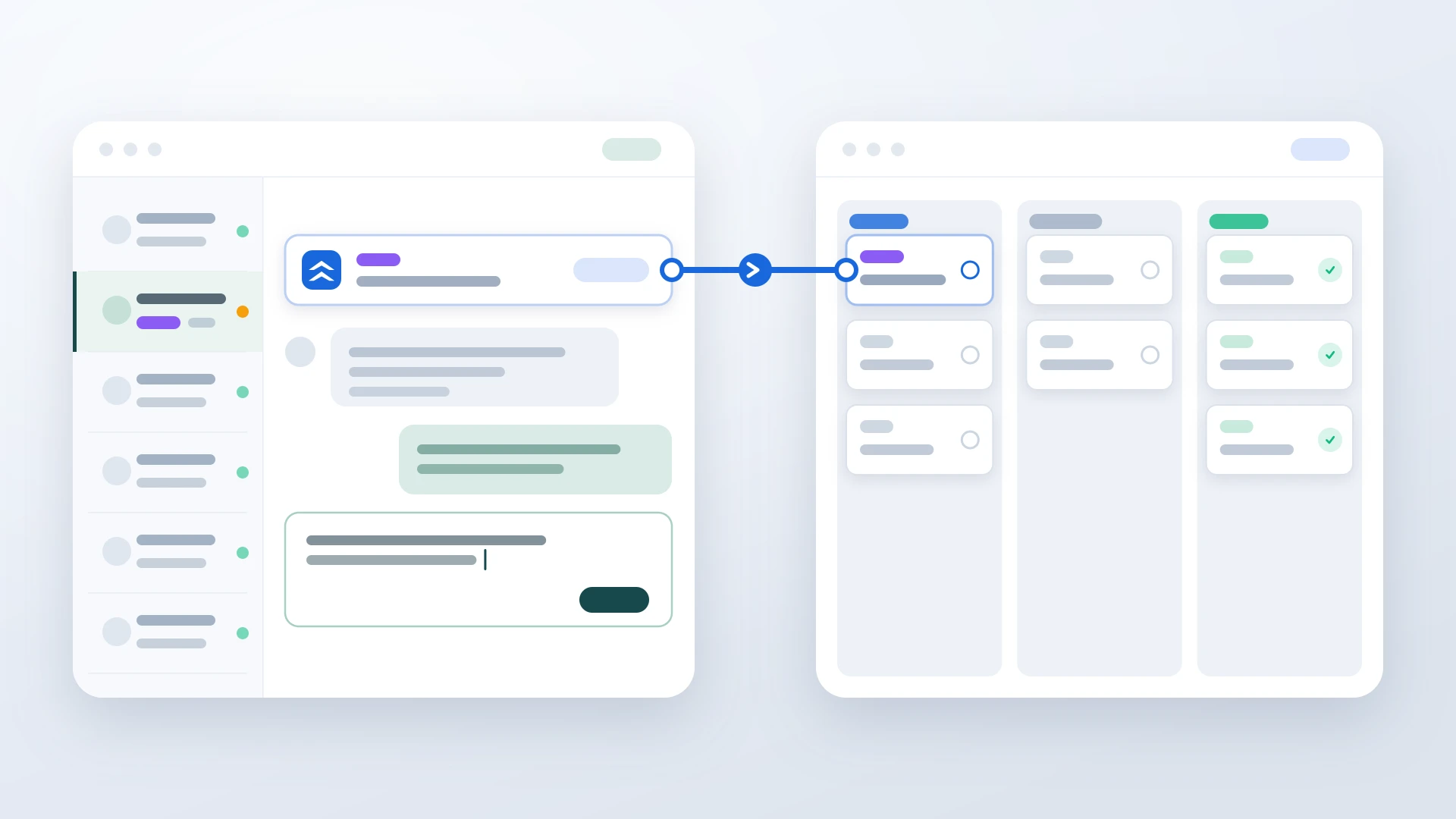
This matters most where a human is waiting. Take the support-to-engineering handoff. A customer reports a bug in your help desk, an automation creates the issue in your tracker, an engineer fixes it, and another automation is supposed to bring the status back so somebody can reply. When the first half stops, engineering never hears about the bug. When the second half stops, the fix ships and the customer who reported it is never told, which is worse, because from their side it is indistinguishable from being ignored.
Whatever you choose from this list, decide the answer to one question before you build anything: how would you find out that a workflow stopped three days ago? If the honest answer is a customer complaint, pick a tool that answers it for you, or accept that you are the monitoring.
Native Integrations and Purpose-Built Tools
Before adding any platform, check what your own tools ship. A native connector costs nothing, is maintained by the vendor, and does not add a third system to your outage surface. When one exists and covers the workflow, use it and stop reading.
The limit is depth, and sometimes existence. Native integrations cover the happy path and stop well short of keeping two records in step over their whole life. For plenty of tool pairs there is no native option at all. HubSpot and Linear are a clear example, since HubSpot ships no first-party Linear connector in either direction, which is precisely why so many teams end up building it in n8n.
If a single pair of tools carries the workflow that matters, a purpose-built integration is a different shape of answer. There is no flow to design, no field map to maintain, and no server to patch, because the logic ships already built. For HubSpot and Linear, IssueLinker turns a ticket into a Linear issue in one click, keeps status and comments in two-way sync with loop prevention built in, and stages the customer-facing reply for the moment the fix ships. The Linear HubSpot integration guide compares all four approaches side by side, and the bidirectional sync explainer covers why the comment half is the part that breaks in a homemade version.
Where a purpose-built tool wins
- Nothing to host, upgrade, or monitor
- The two-way workflow and loop prevention are already built
- Priced for one use case, with no execution meter
The tradeoff
- Solves only the pair it was built for
- No help with your other automations
- One more vendor if you already operate a platform
The boundary is scope, and it is a real one. A purpose-built tool will not move data into your warehouse or route your webhooks, and it is not trying to. If you run a dozen automations, you need a platform and should pick one of the platforms in this guide. If one integration carries the work and the rest is noise, that focus is the entire advantage.
Was the whole point just connecting HubSpot and Linear?
Skip the container, the upgrades, and the monitoring you have to remember to add. IssueLinker creates a Linear issue from a HubSpot ticket in one click, syncs status and comments both ways with loop prevention built in, and stages the customer reply for the moment the fix ships.
How to Pick the Right n8n Alternative
Three questions settle the n8n alternative decision faster than any feature matrix. Is the license a hard requirement? Is your work automation, pipelines, or durable execution? And is there a named person who will operate the result?
You need a permissive license for procurement, compliance, or your own product, and you still have the capacity to self-host. Take Activepieces for a familiar builder and Node-RED for stability and event routing.
Your steps are already mostly code, the canvas is friction, and you want version control and review to work the way they do everywhere else in your stack.
Kestra if your flows are scheduled pipelines with dependencies and backfills. Temporal or Trigger.dev if they must retry, resume, and survive a deploy without duplicating work.
A single pair of tools carries the workflow that matters, nobody wants to own a server for it, and you would rather inherit the sync than assemble and monitor it.
If you are torn, answer the operating question first and the tool question second. A team with a platform engineer who enjoys this work has a genuinely different best answer than a team of fifteen where automation is somebody's fourth priority. Both answers are correct. Only one of them is correct for you.
Self-hosted software has no license fee and a real operating cost. The bill arrives as engineer-hours, and it is always due at the worst possible moment.
The test at the end is the same one that made n8n attractive in the first place. Does work move between your tools without anyone copying and pasting, and will it still be doing that six months from now without somebody babysitting it? If yes, the tool is doing its job, whatever it costs. If you are repairing flows after every upgrade and finding failures through customer complaints, the alternative worth evaluating may not be another automation platform at all. For the sync-specific side of that decision, the Unito alternatives guide covers the tools built for keeping two records in step rather than firing one-way actions.