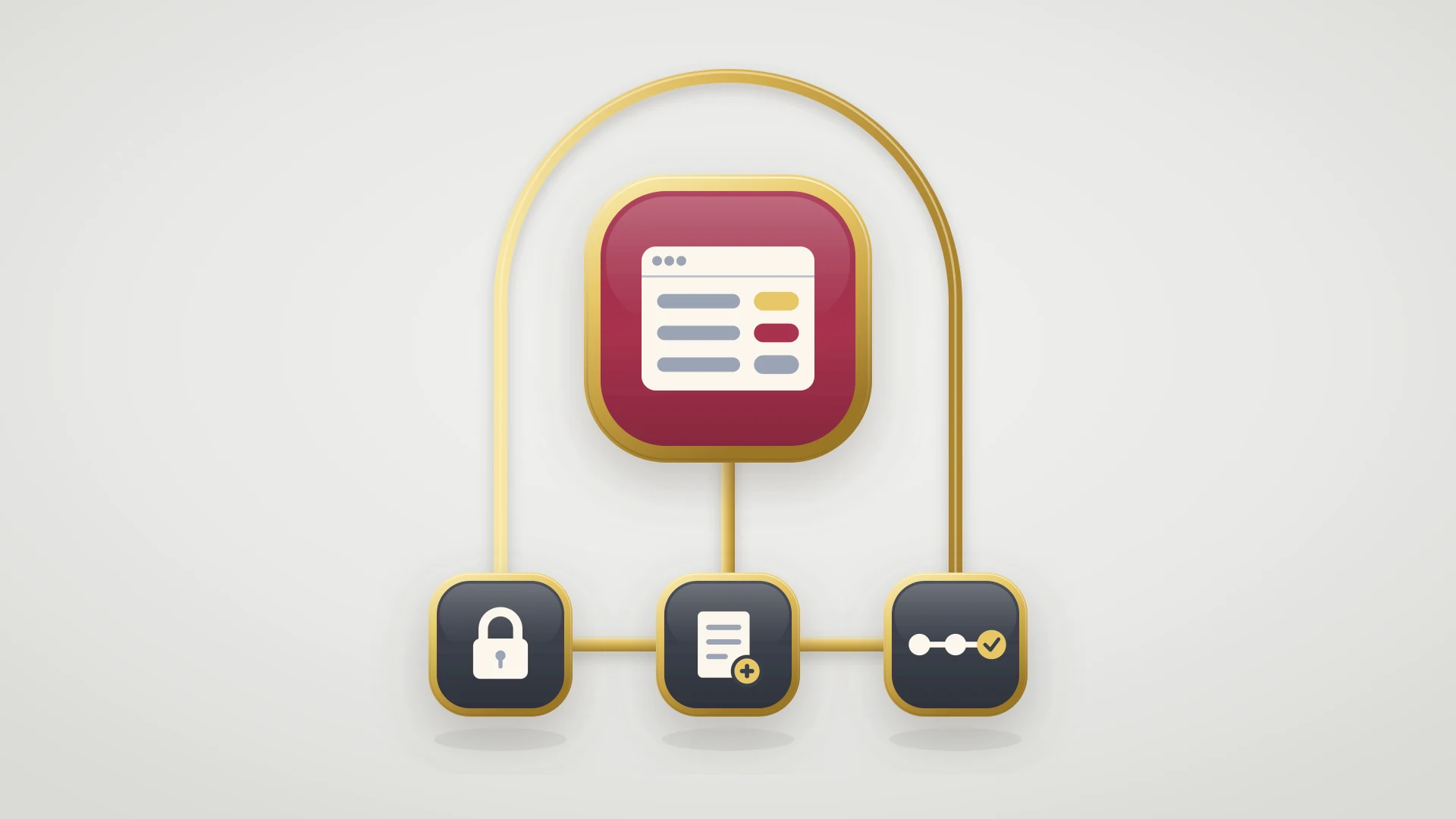
n8n connects HubSpot and Linear through three workflows: ticket to issue, Linear status back to HubSpot, and comment mirroring. The build steps are the same on a self-hosted instance and on n8n Cloud.
Before you start
- A running n8n instance, either self-hosted or on n8n Cloud.
- HubSpot and Linear credentials connected in n8n.
- A dedicated HubSpot pipeline for engineering escalations so you do not fire on every inbound ticket.
- A custom HubSpot ticket property to hold the Linear issue URL. Every downstream workflow relies on it.
- Someone with engineering capacity to operate, monitor, and upgrade the instance if self-hosting.
The Three Workflows to Build
A minimum viable HubSpot to Linear integration in n8n is three workflows working together. The structure mirrors the Zapier and Make setups.
Workflow 1: ticket to issue
HubSpot's "On New Ticket" node fires, an IF node handles severity branching, a Set node maps fields, and Linear's "Create Issue" node creates the issue.Workflow 2: status back to HubSpot
Linear's "On Issue Updated" node fires on status changes, and HubSpot's "Update Ticket" node updates the matching ticket.Workflow 3: comment mirroring
Linear's "On Comment Created" node adds an internal note via HubSpot's "Create Engagement" node, with a reverse workflow for the other direction.
Each workflow takes about an hour to build cleanly the first time, and roughly fifteen minutes once you have the patterns down. The build cost is higher than Zapier and slightly higher than Make. The runtime cost is meaningfully lower.
Building Workflow 1: HubSpot Ticket to Linear Issue
Workflow 1 is the foundational workflow. The walkthrough assumes you have already connected your HubSpot and Linear credentials in n8n.
- 1
Add the HubSpot trigger node
Drag in a HubSpot node and pick "On New Ticket" as the event. Configure the trigger to use webhook mode for low latency, or polling at five-minute intervals if webhooks are not available. Scope the trigger to the engineering escalation pipeline so you do not fire workflows on every inbound ticket.
- 2
Add an IF node for severity branching
Drop an IF node after the trigger. Add a condition that checks the severity property and proceeds only if it matches the levels that should create a Linear issue. Critical and High in most teams. Lower severities exit the workflow without firing the Linear node.
- 3
Add a Set node for field mapping
Drop a Set node before the Linear node and use it to assemble the Linear issue payload from HubSpot fields. Title from the ticket subject. Description from the ticket body. Labels derived from the severity property. Team from a custom HubSpot property or a hardcoded default. This is also where you transform any data that does not map one-to-one.
- 4
Add the Linear Create Issue node
Drag in a Linear node and pick "Create Issue" as the operation. Map the Set node's output to the Linear fields. Send. The node returns the created issue ID and URL, which you use in the next step.
- 5
Write the Linear issue URL back to HubSpot
Chain a final HubSpot "Update Ticket" node that writes the Linear issue URL to a custom property on the ticket. This is the link the downstream workflows rely on. Without it, you cannot find the Linear issue from the HubSpot ticket later.
Test the workflow with a real ticket and verify the Linear issue is created cleanly. n8n's execution view shows the data at each node, which makes debugging straightforward.
Workflow 2: Linear Status to HubSpot Ticket
Workflow 2 updates the matching HubSpot ticket when a Linear issue changes status. The trigger is Linear's "On Issue Updated" node, filtered to status changes. The path lookup uses HubSpot's "Search Tickets" operation, scoped by the custom property that holds the Linear issue URL.
The status mapping is straightforward in n8n. A Switch node handles Linear status to HubSpot pipeline stage translation, or a small Function node with a JavaScript object literal handles the same mapping with less visual clutter. Both are easier to maintain than the multi-step Formatter chains in Zapier. When the workflow fires, the HubSpot ticket moves to the right pipeline stage and an internal note documenting the status change is added. The customer-facing reply stays manual, by design.
Workflow 3: Comment Mirroring
Workflow 3 mirrors comments between Linear and HubSpot, following the same pattern as the Zapier and Make setups. Linear's "On Comment Created" node fires when a comment is added. A HubSpot "Create Engagement" node adds an internal note to the matching ticket. A reverse workflow listens for HubSpot ticket notes and creates Linear comments.
In this article
1.
2.
3.
4.
5.
6.
7.
8.
9.
10.
11.
12.
What n8n Is and Where It Fits
n8n is a workflow automation platform with first-party nodes for over four hundred services, including HubSpot and Linear. The product is open source under a Sustainable Use License, which means self-hosted instances are free for most teams and the cloud version is paid. The workflow editor is visual but supports inline JavaScript expressions and code nodes, which makes it the most code-friendly of the iPaaS options.
The bet n8n makes is that teams who already have engineering capacity to maintain infrastructure will value control, extensibility, and predictable pricing more than they value zero-setup convenience. The product gives you those things in exchange for asking you to run a server, secure it, back it up, and upgrade it.
For HubSpot to Linear sync specifically, n8n covers the same ground as Zapier and Make. The shape of the integration is the same as the one in the Zapier HubSpot to Linear guide and the Make HubSpot to Linear guide. Three workflows, two-way sync, comment mirroring. What differs is how you build them, what they cost, and who maintains them.
If you have looked at Zapier and Make and the per-task pricing made you uncomfortable, n8n is the next stop most teams investigate for HubSpot to Linear sync. It is open source, self-hostable, code-friendly, and priced per workflow execution rather than per task, which can be meaningfully cheaper at volume. For the right teams, it is a strong choice. For the wrong ones, it is a maintenance project disguised as a cost saving.
Self-Hosted vs n8n Cloud
Self-hosted n8n and n8n Cloud run the same workflows, and the choice between them comes down to volume and who operates the instance.
| Dimension | Self-hosted | n8n Cloud |
|---|---|---|
| Software cost | Free, open source | From ~$24/mo Starter |
| What you pay for | Server, database, SSL, monitoring, time | A per-execution plan price |
| Operational burden | You run and secure it | Managed for you |
| Best at | High volume, data residency | Low volume, zero ops setup |
The honest cost comparison depends on your volume. At low volume (a few hundred ticket-to-issue syncs per month) n8n Cloud's flat pricing is similar to Zapier and Make and the choice comes down to feature fit. At high volume (thousands of syncs and comment mirrors), self-hosted comes out clearly ahead on cost, with the caveat that you are paying the cost in engineering time instead of an invoice. The workflow build steps are the same on either deployment. The cost framing is different.
Where n8n Beats Zapier and Make
n8n beats Zapier and Make in four places: pricing at scale, extensibility, data ownership, and open source code.
Pricing at scale
Self-hosted n8n has no per-execution cost. For thousands of sync events per month, the difference versus Zapier's task pricing or Make's operation pricing is large. The catch is the cost moves into your infrastructure budget, not zero.Extensibility
Function nodes let you write JavaScript inline for transformations that would be a multi-step chain elsewhere. Code nodes can import npm packages for edge cases the prebuilt nodes do not handle.Data ownership
Self-hosted, workflow data, credentials, and execution logs stay inside your security perimeter. For regulated industries or data-residency requirements, this is the only iPaaS that works without compliance review.Open source
If a node is missing or broken, you can fix it. If pricing changes, you can keep running the self-hosted version. The lock-in profile is lower than any managed alternative.
Where n8n Falls Short
n8n falls short on setup and operational cost, reliability without engineering support, team adoption, and comment and attachment edge cases.
Setup and operational cost
The first integration takes longer to build than in Zapier. Self-hosting adds provisioning, securing, monitoring, and upgrading the instance on top.Reliability without engineering support
A self-hosted instance is only as reliable as the team running it. A database disk filling up stops the integration until someone notices. Cloud removes this risk but reintroduces the pricing curve.Team adoption
Non-technical teammates who can build a Zap in twenty minutes often struggle in n8n. If the integration owner has to be an engineer, that is a real budget line.Comment and attachment edge cases
Same as Zapier and Make. The platform handles them cleanly with the right configuration, but the underlying problem is the same.
When n8n Is the Right Answer
n8n is the right tool for HubSpot to Linear sync in three specific situations.
n8n fits when
- You already run servers and monitoring and can operate another internal tool
- Volume is high enough that per-task pricing hurts
- You need a real code escape hatch for transformations or external lookups
Reach for something else when
- You have no engineering capacity to operate a workflow engine
- The integration needs are simple
- The customer-facing closing email is critical and must be staged automatically
If you are in one of those three fits, n8n is a solid choice.
When to Replace n8n with a Purpose-Built Sync
Replace n8n with a purpose-built sync when three signs appear: operational toil, comment mirroring nobody trusts, and the customer-facing miss. The signs follow the same pattern as the managed alternatives, just expressed in different cost units.
The first sign is operational toil. Someone spends real hours per month keeping the instance healthy, fixing failed workflows, and chasing silent failures. The savings on per-task pricing get eaten by the engineering time spent maintaining the infrastructure.
The second sign is the comment mirroring becoming untrusted. Same pattern as Zapier and Make. Support reps stop trusting the HubSpot ticket because they have been bitten by missing updates, and the integration is technically running and effectively broken.
The third sign is the customer-facing miss. A bug was fixed in Linear, the workflow fired correctly, the HubSpot ticket moved to the right stage, and nobody told the customer because the closing email still requires a human writing it from scratch. The integration did its job and the workflow still failed.
Self-hosting can drive your per-task cost to zero. The closing email is still a human writing it from scratch.
For HubSpot Service Hub and Linear specifically, the purpose-built version is IssueLinker. Ticket-to-issue creation, two-way status sync, comment mirroring, and the staged customer-facing reply are first-class features rather than workflows you maintain. The full pattern is covered in the Linear HubSpot integration guide. For teams weighing the comparison against other sync tools, the Unito vs IssueLinker comparison covers that side of the decision.
Outgrowing your n8n instance?
If your HubSpot to Linear integration runs on a self-hosted n8n stack you keep having to nurse, IssueLinker handles the full loop as a purpose-built sync. No workflows to debug, no infrastructure to maintain, and the customer hears about the fix the moment it ships.
A Quick Decision Framework
Three questions usually clarify whether n8n is the right tool for your sync.
| Question | Lean n8n | Lean purpose-built |
|---|---|---|
| Engineering capacity to operate a workflow platform | You have it | The time cost would be unbudgeted toil |
| Value of data ownership and code extensibility | High, and self-hosting is the only option that gives both | Neither matters for your team |
| Importance of the customer-facing closing email | Manual closing is acceptable | It is critical and should be staged automatically |
The next post worth reading either way is the bug tracking template guide, which covers the fields the integration should carry regardless of which tool you build it on.