Support ticket triage sorts every incoming ticket in four steps: categorize the ticket, set priority by urgency and impact, route it to the right tier, and then resolve, route, or escalate it.
A support queue rarely fails because the team is slow. It fails because every ticket looks equally urgent on arrival, so they get worked in the order they came in. A billing outage for your largest account waits behind a trial user asking where a button moved, and the first anyone hears of the outage is when the account escalates over your head.
Support ticket triage is the process that prevents that. It is the first-line sort that happens before anyone starts typing a reply: what is this ticket, how urgent is it, who should own it, and does it get solved here or sent onward. This guide is the practical version, with the categories that matter, a priority model you can apply the same way every time, how tiers and escalation fit together, and where the handoff to engineering usually breaks.
In this article
1.
2.
3.
4.
5.
6.
7.
8.
9.
10.
Step One: Categorize the Ticket
Categorize every ticket first: a question or how-to, an account or configuration issue, a bug or defect, or a feature request. Before you can prioritize anything, you have to know what it is. Most support queues carry four or five recurring ticket types, and each one has a different destination. Naming the type is the first move of triage because it rules out whole branches of what to do next.
Question or how-to
The customer wants to know how to do something the product already supports. These are usually Tier 1 resolvable and often point at a documentation gap worth closing so the same question stops recurring.
Account or configuration issue
Billing, access, permissions, a setting in the wrong place. Real problems, but ones support can fix directly without touching the product. They rarely need engineering, though they can be urgent.
Bug or defect
Something is broken that should work. This is the type that may need engineering, but only after it is confirmed and reproduced. An unconfirmed bug report is a lead, not yet a defect.
Feature request
The product works as built, but the customer wants it to do something it does not. These do not belong in the bug queue, and dropping them there is how real defects get buried. They need a separate path, covered in the feature request system guide.
Step Two: Set Priority by Urgency and Impact
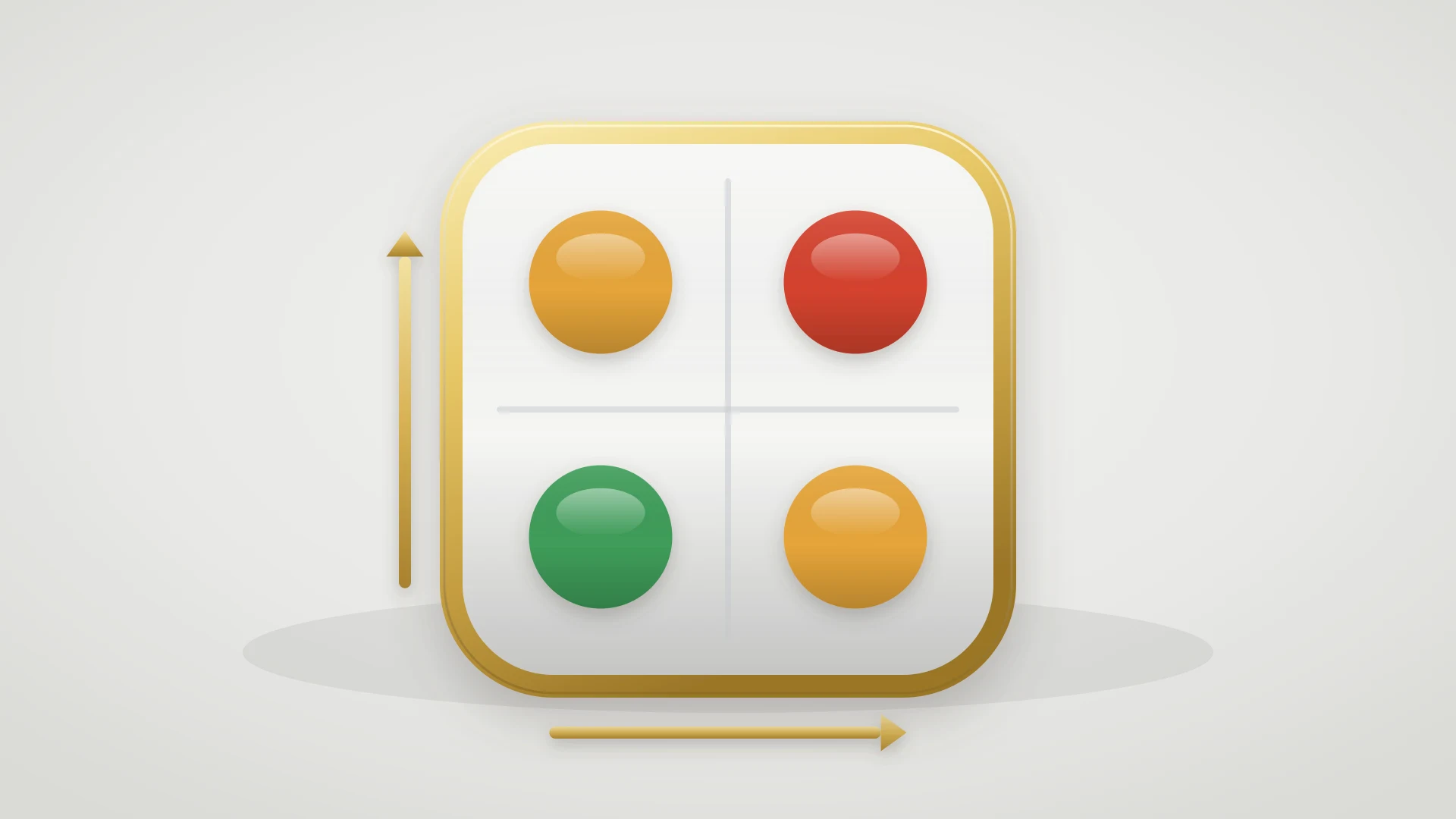
Set priority by scoring urgency and impact separately. Once you know what a ticket is, you decide where it sits in the queue. The mistake most teams make is ranking on a single feeling of importance. Priority is really two separate questions, and scoring them apart makes the ranking repeatable.
Urgency: how fast does the customer need this?
A production outage is urgent. A question about an export format the customer will use next month is not. Urgency is about time sensitivity, independent of how big the account is.
Impact: how much is at stake?
How many users are affected, how much revenue the account represents, and whether it is near renewal or a reference customer. Impact is about business weight, independent of how loudly the ticket was filed.
Combine the two and the queue orders itself. High urgency and high impact goes first, always. Low urgency and low impact waits. The interesting cases are the corners: a high-impact account with a low-urgency question still deserves a careful answer, and a high-urgency issue from a tiny trial account is worth a fast reply but not an all-hands escalation.
Move a ticket up when
- It blocks the customer from using the product
- It affects many users or a high-revenue account
- The account is near renewal or is a reference
- It is a confirmed outage or data-loss risk
- It has a hard external deadline
Move a ticket down when
- A clean workaround exists
- It affects one user in a non-critical flow
- It is a cosmetic or convenience issue
- The account is a trial with low commitment
- It is a request for something the product does not do yet
Step Three: Route to the Right Tier
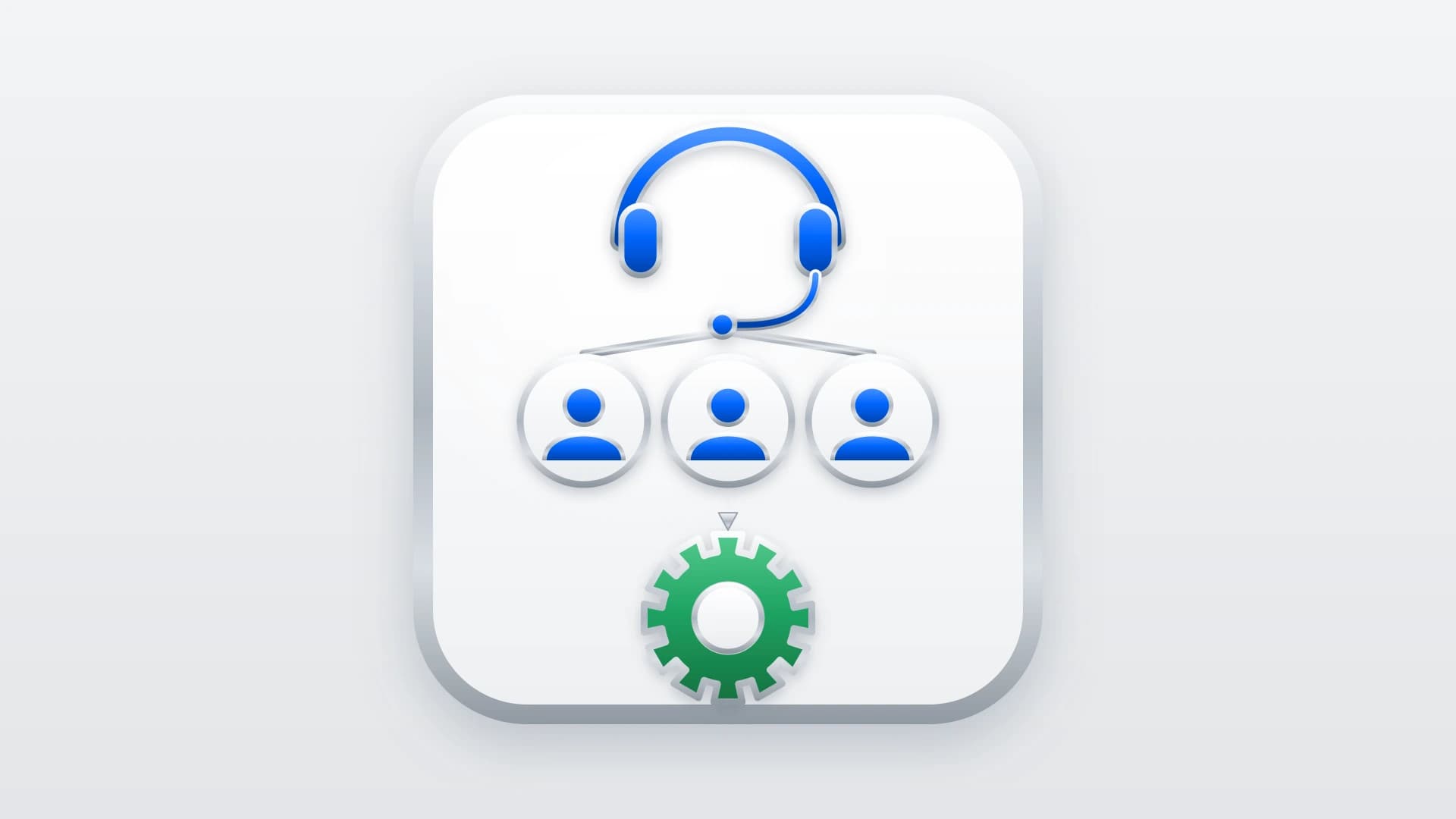
Priority tells you when a ticket gets worked. Tier tells you who works it. Routing a ticket to the right level on arrival is what stops it from bouncing between people who cannot resolve it, which is where customer-facing time quietly disappears.
- 1
Tier 1: front-line resolution
Common questions, account changes, and known issues with documented answers. The goal of Tier 1 is to resolve the majority of the queue without escalating, using playbooks and canned responses for anything that recurs. A healthy support desk closes most tickets here.
- 2
Tier 2: technical depth
Harder problems that need product expertise or real account investigation. Tier 2 takes what Tier 1 cannot resolve, digs into the specifics, and confirms whether an apparent bug actually reproduces before it goes any further. Most escalations should stop here, not continue to engineering.
- 3
Tier 3: engineering
Confirmed defects and anything that requires a code change. This is the only tier that should ever consume engineering time, and a ticket should arrive here already reproduced, with customer context attached, so no one has to reconstruct the problem from scratch.
Not every team runs three formal tiers, and small teams often collapse Tier 1 and Tier 2 into one person. The tiers still matter as a concept even when they are not separate people, because they name the escalating levels of effort a ticket can demand and keep the cheapest capable owner on each one.
Step Four: Resolve, Route, or Escalate
Every triaged ticket leaves triage with exactly one of three outcomes. Naming the outcome is what closes the triage decision, because a ticket with no assigned next step is a ticket that stalls.
Resolve it now
If the person triaging can answer the ticket, they answer it. Most tickets end here. Triage that resolves on contact is faster than triage that routes everything, so do not over-route what a Tier 1 agent can close in one reply.
Route it within support
If it needs more depth than the triager has, it goes to Tier 2 with what is known so far attached. The receiving agent should not have to start the investigation from zero.
Escalate it to engineering
Only confirmed defects and change requests cross this line, and only as tracked work. This is the handoff that leaks the most value, so it is worth doing deliberately.
What Support Ticket Triage Is
Triage is a sorting decision, not a resolution. The word comes from medicine, where an emergency room cannot treat everyone at once, so it sorts arrivals by urgency and sees the most urgent first. A support desk has the same constraint. Tickets arrive faster than any team can answer them one by one in real time, so something has to decide the order. Triage makes that decision on purpose instead of letting the inbox make it by accident.
Triage does not make the queue shorter. It makes the queue ordered, so the ticket that matters most is always the next one someone picks up.
The part that trips teams up is that triage is not the same as answering the ticket. A triager does not need to solve a problem to triage it. They need to recognize what kind of problem it is, how much is at stake, and who is best placed to handle it. That recognition takes seconds when the process is clear, and it is the cheapest, highest-leverage minute the support team spends on any ticket, because it decides everything that happens next.
Triage Versus Bug Triage
Support ticket triage and bug triage are different steps run by different people, and they happen in sequence. They get confused because both use the word triage. Getting the boundary right is what keeps engineering out of tickets that were never theirs to begin with.
Support ticket triage (first, broad)
- Run by the support team on every incoming ticket
- Sorts questions, account issues, how-tos, and bugs alike
- Decides ticket type, priority, tier, and whether to escalate
- Resolves most tickets without engineering ever seeing them
- Answers: what is this, and who should handle it?
Bug triage (later, narrow)
- Run by engineering on the defects support escalates
- Sorts only confirmed, reproducible bugs
- Decides severity, priority, and which engineer owns the fix
- Feeds the backlog with ranked, tracked work
- Answers: how bad is this bug, and when do we fix it?
Support triage is the wide funnel that comes first. It handles everything and passes only the confirmed defects downstream. Bug triage is the narrow process that takes those defects and ranks them for engineering. If your team runs the two as one blurred step, engineering ends up sorting billing questions and password resets, which is exactly the work support exists to absorb. The bug triage guide covers that downstream engineering-side process in depth. This post is about the sort that happens before it.
The Escalation Handoff Is Where Triage Leaks
The escalation from support to engineering is the weakest joint in the triage process, and it fails in two predictable ways: context does not travel, and status does not come back. A support desk can triage perfectly and still lose the benefit at the last step.
Context does not travel
The ticket becomes a one-line message in a Slack thread. Engineering cannot reproduce it, so they ask for steps, the support agent goes back to the customer, and a fix that needed an hour takes a week of round trips. A triaged escalation should carry reproduction steps, the affected account, and a link to the conversation, or it is not really triaged.
Status does not come back
Support escalates the ticket and then goes dark, because nothing tells them when priority changes or when the fix ships. The customer asks for an update and support has none, so they either guess or re-ping engineering, and the trust on both sides erodes. The escalation needs a return path as much as it needs an outbound one.
This is the moment an escalation matrix is built for: a defined path so an escalated ticket always reaches the right owner instead of depending on who happens to be online. Pair that with response targets from the support SLA management guide so nothing escalated waits indefinitely, and the handoff stops being the place triage goes to die.
Making Triage Stick With Tooling
Most of triage is judgment, and no tool decides priority for you. But tooling decides whether the output of triage survives a busy week, and it pays off in three specific places.
Structured intake
When tickets arrive with the fields triage needs, such as affected area, steps, and account, the sort starts from complete information instead of a follow-up thread. Every question you can answer at intake is a triage decision you do not have to chase later.
One-click escalation that carries context
The step that gets skipped under load is turning a triaged defect into tracked engineering work with the context intact. When that is a copy-paste job across two tools, it happens inconsistently. When it is one action, it happens every time.
A status loop back to support
Triage does not end when a ticket is escalated. Support still needs to know when the fix ships so they can close the loop with the customer. A two-way link between the support tool and the engineering tracker keeps both sides current without anyone re-typing status.
For teams where support runs on HubSpot Service Hub and engineering runs on Linear, IssueLinker handles the escalation joint specifically. From the HubSpot ticket, a triaged defect becomes a synced Linear issue in one click, with the reproduction context and affected account carried over, and when the Linear issue changes status the HubSpot ticket updates so support can tell the customer what shipped. The escalation stops dying in a Slack thread. The full pattern is in the Linear HubSpot integration guide, and the Linear side of the intake queue is covered in the Linear Triage guide.
Escalate triaged tickets without losing the context
If support runs on HubSpot Service Hub and engineering runs on Linear, IssueLinker turns a triaged ticket into a synced Linear issue in one click and keeps status flowing back, so support always knows what to tell the customer.
What to Do This Week
If your queue feels like it gets worked in arrival order, three changes start fixing it before you touch tooling.
Write down your ticket types and priority levels
Four or five types, three or four priority levels, one line each. Most triage friction is really an argument about definitions that were never agreed on.
Score your open queue on urgency and impact
Take the current open tickets and give each one an urgency and an impact rating. The ones that are high on both and were not being worked first are exactly what triage exists to catch.
Fix your escalation handoff
Decide what context every escalation must carry and how status gets back to support. This is the highest-leverage change on the list, because it is where a good triage most often loses its value.
Support ticket triage is not the work of answering tickets. It is the work of making sure the right ticket is always the next one answered, and that the few that need engineering arrive with everything required to act. That is a small, repeatable amount of effort for a large and compounding return, and it is the difference between a queue that protects customers and one that just keeps growing.