Quick summary
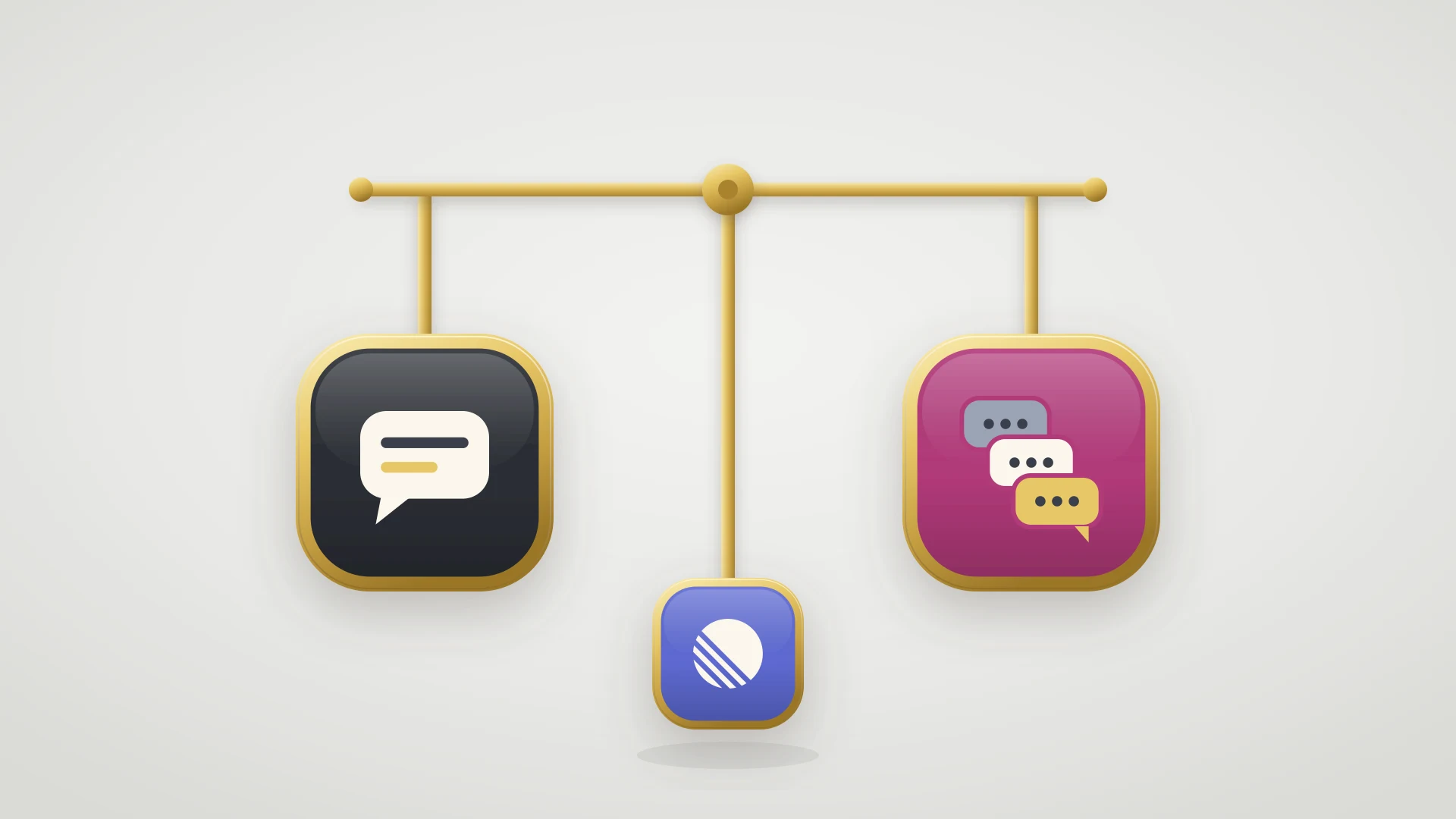
The short answer: the best Front alternative depends on where your conversations end. Missive is the closest like-for-like at a lower price, Help Scout removed the per-seat problem entirely, and Hiver keeps you inside Gmail.
If conversations end in the customer record: HubSpot Service Hub wins when the relationship is the thing being managed.
If volume has outgrown the inbox: Zendesk is the full help desk suite, Freshdesk is the cheapest way to move from inbox to queue, and Intercom fits product-led SaaS with in-app messaging.
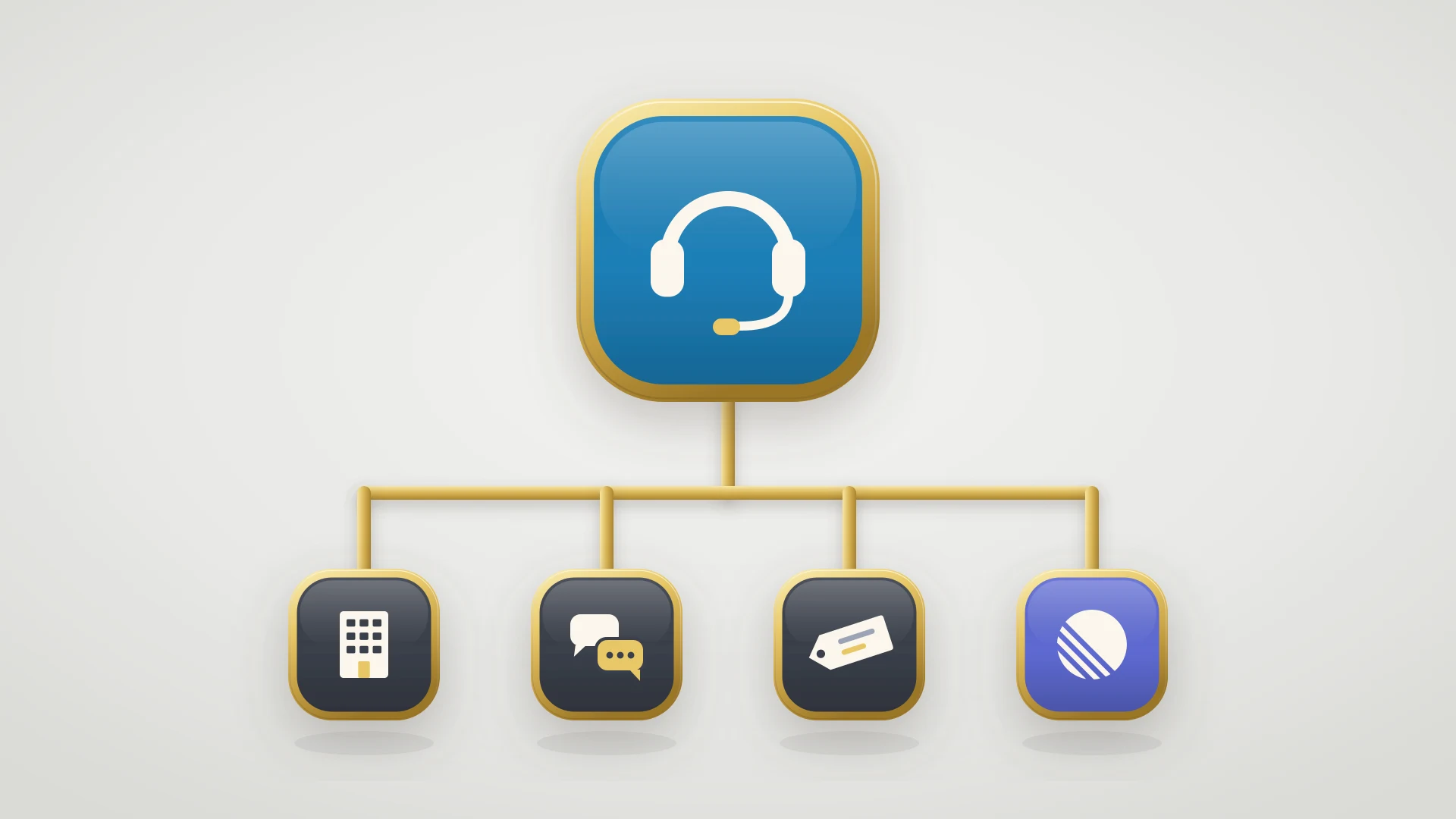
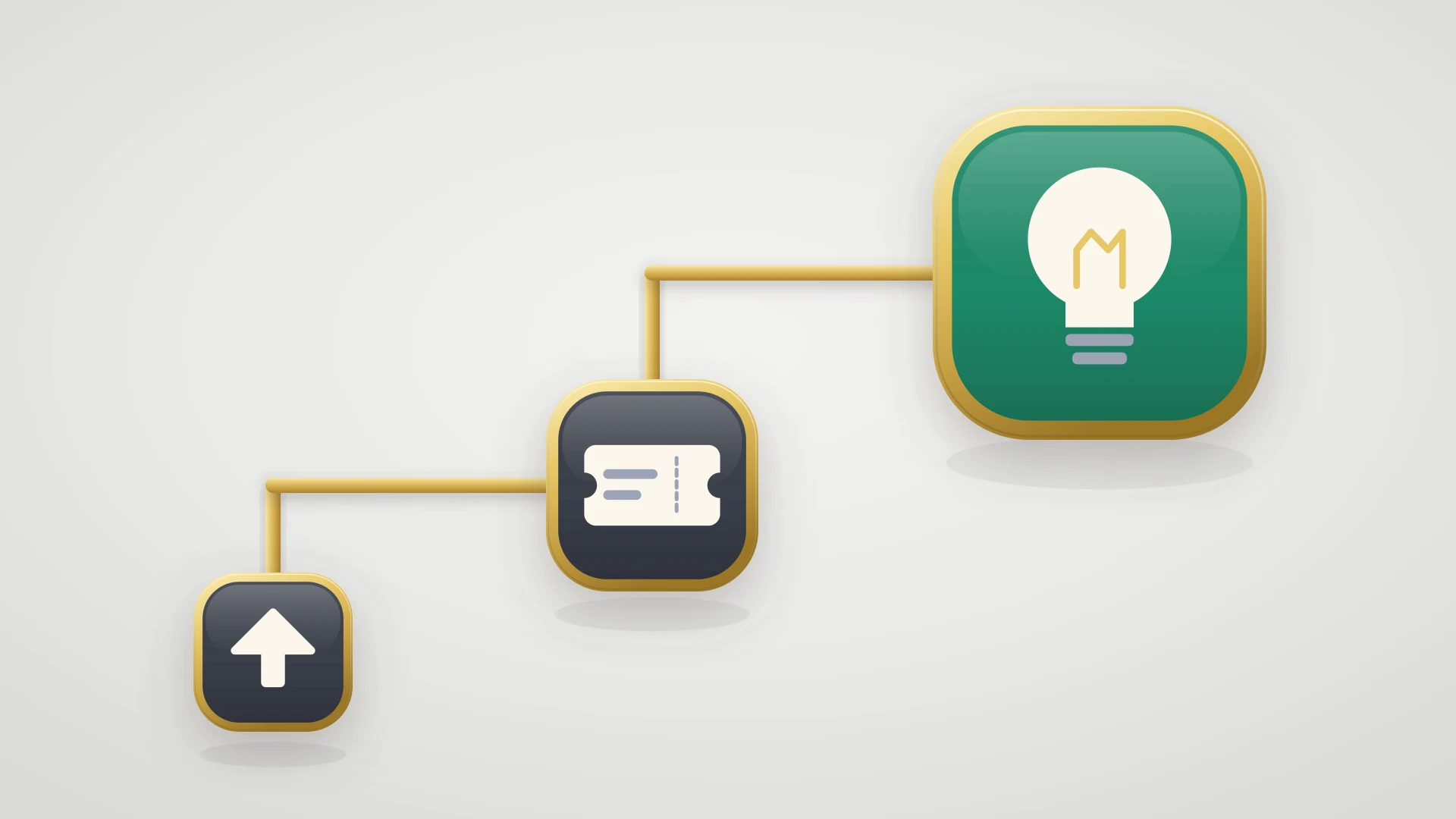
Nobody goes looking for a Front alternative because the inbox stopped working, and the question that settles the choice is where your conversations end. This guide sorts the Front alternatives by whether a conversation ends in a reply, a change to the customer record, or a code change.
In this article
1.
2.
3.
4.
5.
6.
7.
8.
9.
10.
11.
12.
13.
14.
15.
The Front Alternatives at a Glance
Every tool here takes an inbound message, puts it somewhere a team can see it, and helps somebody answer it. What separates them is who they were built for and what your conversation can turn into once it is open.
| Alternative | Best for | Shape | Where a conversation ends |
|---|---|---|---|
| Missive | The same collaborative inbox for less | Collaborative inbox with chat built in | A reply, or an internal handoff |
| Help Scout | Small teams who want support to feel human | Shared inbox with a help desk on top | A reply |
| Hiver | Teams who refuse to leave Gmail | Shared inbox layered inside Google Workspace | A reply |
| Zendesk | Volume that has outgrown the inbox metaphor | Full help desk suite | A reply |
| Freshdesk | The cheapest way to move from inbox to queue | Full help desk suite | A reply |
| Intercom | Product-led SaaS with in-app messaging and AI deflection | Messaging-first support platform | A reply, or a deflection |
| HubSpot Service Hub | Teams whose conversations are really account questions | Help desk and inbox inside the CRM | The customer record |
| Zoho Desk | The cheapest full-featured suite in the category | Full help desk suite inside a wider stack | The customer record |
| Shared mailbox and Google Groups | Teams who bought too early | Free, with no assignment or visibility | Wherever the last person left it |
Before comparing any two of these, work out which of three destinations most of your conversations actually reach. It narrows the list faster than any feature matrix.
Why Teams Look for a Front Alternative
Teams look for a Front alternative because a renewal quote arrived and somebody added up how many of the seats on it belong to people who open the tool twice a week, because the team grew past the point where a shared mailbox feels like the right metaphor, or because an account manager asked why the customer history lives in one tool and the customer record lives in another.
That makes most Front competitor roundups unhelpful in a specific way. They compare collaboration, rules, and integrations across a handful of tools that all do those things adequately, and the comparison table stops exactly where the real difference starts. The question that actually settles it is duller and more useful: where do your conversations end?
Be precise about which of these sent you here. They point at different replacements, and two of the five are not solved by another inbox at all.
The seat count grew faster than the support team
This is the common one and it is structural rather than accidental. Front's whole argument is that the mailbox is shared, so the people who need to see it are not only agents. Account managers want visibility on their accounts, the founder wants to see what customers are complaining about, and somebody in finance handles billing email. Each of them is a full seat at the full rate, and none of them would have described themselves as a support user.One requirement pushed the whole team up a tier
Tier pricing is not seat pricing and it is much harder to forecast. Most teams do not outgrow their plan by hiring, they outgrow it by needing a single thing: a rule the lower tier will not build, an analytics view somebody in leadership asked for, an integration that is only on the plan above. The upgrade then applies to every seat at once, so one requirement re-prices the entire team.The customer context lives somewhere else
If your team keeps a second tab open on the CRM to find out who they are talking to, the inbox is not the system of record and it is quietly competing with the one that is. That is an architecture problem, and moving to a cheaper standalone inbox reproduces it exactly.Volume outgrew the conversation metaphor
A collaborative inbox is excellent when work is a set of ongoing relationships and awkward when it is a stream of strangers. The tell is when you start wanting queues, skills, and routing rules, which is the language of a help desk rather than a mailbox. Wanting those is not a failure, it is a signal the shape of the work changed.Escalated conversations stop being visible
Support does everything right, the bug goes to engineering, and the conversation enters a state nobody has a report for. This is the reason that does not get written down on the evaluation sheet, and it is the one this guide spends the most time on, because no inbox on any shortlist fixes it.
If your reason is the first or second, Missive or Help Scout is the honest answer. If it is the third, look at HubSpot Service Hub and the other CRM-native options. If it is the fourth, you are shopping for a help desk rather than an inbox. And if it is the last one, the tool you pick matters less than what you connect it to.
Front Pricing, and the Seat Math That Sends People Looking
Front's published plans run from Starter at the bottom through Growth and Scale, with Premier quoted at the top, all priced per seat per month with a discount for annual billing and a minimum seat count at the entry tier. Starter sits in the high teens per seat, Growth in the high fifties, Scale approaches three figures, and Premier is quoted well above that. Those numbers are unremarkable for the category.
The number that surprises people is not any of those. It is the multiplication. A team of six in support plus four account managers plus two founders plus one person in billing is thirteen seats, and on a mid tier that is a five-figure annual commitment for a tool that five of those thirteen people open daily. Front is not overpriced for what it does. It is priced per person in a product whose entire value proposition is that more people should be in it, and those two facts pull against each other every renewal.
Two practical notes before you compare quotes. First, find the one requirement that decides your tier and price only the tiers that contain it, because nobody upgrades for a list. Second, before you move tools at all, count how many of your current seats belong to people who need to read and occasionally comment rather than to work the inbox. That number is the actual finding. On some platforms those people are cheaper or free, on Help Scout they stop being a line item entirely, and on a CRM-native setup they are usually already paying for a seat you own.
For the comparison on the CRM side, the HubSpot Service Hub pricing breakdown runs the same exercise on the other architecture.
Missive, and the Front vs Missive Decision
Missive is the most direct like-for-like on this page, and the reason teams move is unglamorous. It is the same shape of product at a lower price, so the migration is a swap rather than a rethink. Shared mailboxes, assignment, internal discussion beside the message, rules, and integrations are all present and all recognizable within a day.
The difference in character is where each one came from. Front leans toward operations, with a deeper integration catalog, more mature rule building, and analytics a support lead can take to a meeting. Missive leans toward conversation, with chat threads sitting alongside email as a first-class object rather than as a comment feature bolted to a message. If your team already lives in a chat tool and treats internal discussion as the primary collaboration surface, Missive feels natural rather than compromised.
Missive publishes a free tier that is genuinely usable for a very small team and paid tiers in the high teens to mid twenties per user, which for a thirteen-seat team is the difference between a line item and a conversation with finance.
Where Missive wins
- Materially cheaper per seat at every tier
- A real free tier rather than a trial
- Chat and email as equal objects, which suits teams who collaborate in threads
- Familiar enough that migration is a swap, not a redesign
The tradeoff
- Smaller integration catalog and a shallower rules engine
- Analytics are thinner than a support lead may want
- It is the same architecture, so an architecture problem survives the move
The short version of the Front versus Missive question: if your complaint is the price of the inbox you have, Missive answers it. If your complaint is that a shared inbox is the wrong tool for the work, it does not.
Help Scout, and the End of the Seat Problem
Help Scout removes the seat problem, which is the thing that sends most people looking for a Front alternative. Rather than charging per seat, it prices on the number of contacts you help in a period, with users included. For a team where seat count grew through people who are not support agents, that is not a discount, it is the removal of the category of cost that caused the search.
The product itself is a shared inbox with a help desk built on top, and the design goal is that the customer never sees a ticket number, a portal, or an auto-reply telling them their case has been logged. It has a knowledge base, saved replies, workflows, and reporting that is aimed at a support lead rather than an operations analyst. For a small B2B team that cares how support reads, it is the most pleasant tool in this category.
The honest limit is scope. Front is a general collaborative inbox and a lot of teams run sales, billing, partner, and vendor email through it alongside support. Help Scout is a support tool, and it is opinionated about that. If support is most of what flows through your Front, the swap is clean and often cheaper. If support is half of it, you are replacing half a tool and the other half has to land somewhere.
Hiver, and the Case for Never Leaving Gmail
Hiver keeps your team inside Gmail, which is the opposite position to every other Front alternative. Instead of moving your team into a new application, it layers assignment, shared labels, notes, and reporting directly inside Gmail, so the interface people already know is the interface they keep.
That is worth more than it sounds. A meaningful share of shared inbox migrations fail quietly because half the team keeps answering from their own Gmail, the shared tool stops reflecting reality, and a year later somebody notices the analytics were never true. Removing the context switch removes the most common cause of that.
The tradeoffs are the ones you would expect. You are bounded by what Gmail can be made to do, the collaboration is lighter than a purpose-built inbox, and you need Google Workspace or Outlook for it to make sense at all. Pricing is per user per month in the same band as the entry tiers elsewhere, so it solves the interface problem rather than the seat problem.
Hiver is the right call when the objection to Front is adoption rather than money, and the wrong one when you need workflow depth.
Zendesk and Freshdesk, When the Inbox Becomes a Queue
Zendesk and Freshdesk are the Front alternatives for teams whose inbox has become a queue. If your reason for leaving is that you started wanting queues, skills-based routing, SLA policies, and a proper reporting layer, you are not looking for a different inbox. You are looking for a help desk, and the two obvious ones are Zendesk and Freshdesk.
Zendesk is built to serve support organizations with dedicated administrators, and it configures like one. That is a genuine advantage at volume and a tax below it. Freshdesk is the closest thing to the same shape at a lower price, with a free tier that a small team can run on and paid tiers that start well below the equivalent Zendesk Suite tier. The gap between them is widest at the bottom and narrows as you climb.
What you give up moving from Front to either one is tone. A ticket queue is a queue, and the interface keeps telling both sides that. For a company whose customers are five named people at each of forty accounts, that change is felt immediately and is not always worth what it buys. The Zendesk alternatives guide covers that category properly if you are now shopping in it, and the support ticket system guide covers what a queue actually gives you that a mailbox cannot.
Wanting routing rules is not a sign your inbox is failing. It is a sign the work stopped being a set of relationships and started being a stream of requests, and those need different tools.
Intercom, for Product-Led Support
Intercom is not a cheaper Front and comparing them on price misses what it is for. It is a messaging-first platform built for product-led software, where support happens inside the application, the messenger is part of the product experience, and a growing share of the first response is handled by AI before a person sees it.
That makes the Front versus Intercom decision a decision about your channel mix rather than your budget. If most of your volume arrives as email from named business customers, Intercom is an expensive way to run an inbox and Front is the better-fitting tool. If most of it arrives from users inside your app at the moment they are stuck, Intercom is built for that and a shared mailbox is adapting to it.
The two honest cautions are cost and deflection. Intercom's pricing has moved toward per-seat plus usage-based AI resolution charges, which is excellent when deflection works and unpredictable while you are still tuning it. And deflection behaves differently in B2B, where the questions that reach a human are usually the ones a knowledge base was never going to answer. The Intercom alternatives guide goes deeper if that is where you are heading.
HubSpot Service Hub, and the Inbox on the Customer Record
HubSpot Service Hub puts the inbox on the customer record, which answers a different question from the other Front alternatives. It is the right one more often than its placement on most shortlists suggests.
HubSpot's help desk and shared inbox sit on the same record as the deals, the contacts, the email history, and the renewal date. When a message arrives, the person answering it can see what the customer pays, who owns the account, what they asked for last quarter, and whether they are in an active deal cycle, without opening anything. For B2B software companies that is not a convenience feature. It is the difference between answering a message and answering a customer.
The practical arguments for it are three. There is a free tier that is genuinely usable, so the evaluation costs nothing. If you already run HubSpot for marketing or sales, the seats, the data, and the admin are already yours. And conversations that end in a change to the customer record end in the place that record already lives, which removes an entire class of copying between tools.
What you give up is the collaboration experience. Front is better at many people working one conversation without the customer seeing the seam, and HubSpot is better at one person working one conversation with the full account in front of them. That is the honest trade. The HubSpot ticketing system guide covers the setup, and Service Hub onboarding covers the first two weeks.
Zoho Desk and the Cheapest Full Suite
Zoho Desk is the value pick in the full-suite category and it is usually underrated on shortlists because the brand is associated with breadth rather than depth. It has ticketing, a knowledge base, SLAs, automation, and reporting at prices that undercut everything else here, and it is CRM-adjacent by default if you run Zoho elsewhere.
The caution is the same one that applies to any suite: the integration surface and the ecosystem are thinner than the market leaders, and if your stack is not already Zoho you are buying one more vendor relationship to save a modest amount per seat. Evaluate it seriously if price is the binding constraint and skip it if it is not.
The Free Path: Shared Mailboxes and Google Groups
A shared mailbox or Google Group is the free Front alternative, and it is where most teams started. A Google Workspace shared mailbox or a Google Group costs nothing beyond the Workspace you already pay for, and for a team of three answering twenty messages a week it is enough.
It stops being enough at a predictable moment, and the symptoms are always the same three. Two people answer the same message and the customer gets two replies. A message sits unanswered for four days because everybody assumed somebody else had it. And nobody can tell you how many requests came in last month, let alone how long they took. Those are the exact problems that shared inbox software was invented to solve, so returning to the free path after outgrowing it means accepting them back.
Use it as a floor rather than as an option. If you cannot articulate which of those three problems you are currently paying Front to prevent, you may be paying for a tool you have not needed yet.
Front Alternatives for Small Teams
For a team under ten the honest shortlist is short. Missive's free tier if you want what Front does and cannot justify what it costs. HubSpot Service Hub's free tier if you already run HubSpot for anything at all. Help Scout when you are ready to pay for support that reads like a person wrote it and you want the seat question to stop coming up.
Do not buy routing, skills, or omnichannel before you have the volume that makes them necessary. Under a few hundred conversations a month, a shared inbox with a decent knowledge base beats a configured platform on every axis except the demo.
The Criterion Nobody's Shortlist Uses: Where the Conversation Goes Next
The test that separates Front alternatives, and appears on none of their comparison pages, is what happens to a conversation that needs a code change.
A customer reports something broken. Support reproduces it, confirms it is a defect rather than confusion, and can do nothing further, because fixing it requires a code change. What happens to that conversation?
On every platform in this guide, the answer is the same. It is escalated, which in practice means somebody writes the details into the engineering tracker by hand, pastes a link back into the thread as an internal comment, and snoozes it. From that moment the conversation is in a state with no owner. Support is waiting on engineering, engineering is looking at an issue with no customer attached to it, and the customer is waiting on a person who has no way to know when the fix lands.
The failure is not dramatic. Nothing errors, nothing alerts, and no report shows it. The fix ships, the issue closes, and the thread that started it stays snoozed until it resurfaces weeks later with no new information, or gets archived without a reply, which from the customer's side is indistinguishable from being ignored. Then the same customer reports the same bug again and support has no way to tell them it was fixed a fortnight ago.
This one bites collaborative inboxes harder than it bites help desks, and the reason is worth understanding. Front's internal comment rail is genuinely excellent at handing work between people who both have seats. The handoff to engineering is the one handoff that leaves the building, and the rail simply stops there. Everything that makes the tool good at collaboration is unavailable for the single most expensive handoff it performs.
Most vendors offer something here. There are Jira and GitHub integrations across this category and they mostly do the same thing, which is create the link and surface some status. The link is the easy half. The half that matters is the loop back to the person who reported it, and that consistently depends on a human remembering.
Four things are worth checking on any tool you shortlist, whichever you choose:
- When engineering changes the status of the issue, does anything happen inside the inbox without a person doing it?
- Can you produce a list, today, of every open conversation waiting on an engineering fix, and how long each has been waiting?
- When a fix ships, does anyone know which customers asked for it, or does that require reading old threads?
- Do comments travel in both directions, or does engineering context stay in the tracker where support cannot see it?
If the answers are no, no, no, and no, that is normal, and it is also the single largest gap in your support operation regardless of which inbox you pick. The support ticket triage guide covers deciding which conversations should cross that boundary in the first place, the escalation matrix guide covers who owns what once they do, and the bidirectional sync explainer covers why the comment half is the part homemade versions get wrong.
For teams landing on HubSpot, this is the part IssueLinker is built for. A HubSpot ticket becomes a Linear, Jira, or GitHub issue in one click, status and comments stay in sync both ways with loop prevention built in, and the customer-facing reply is staged for the moment the fix ships rather than depending on somebody remembering. It works without HubSpot Professional workflows, which matters because the teams with this problem are frequently on Starter. The Linear HubSpot integration guide walks through the four ways teams usually try to build that, and managing feature requests from support to engineering covers the same boundary for requests rather than defects.
Your next shared inbox still will not close the engineering loop
Whichever tool you pick, the conversation that needs a code change is the one that goes quiet. IssueLinker turns a HubSpot ticket into a Linear, Jira, or GitHub issue in one click, syncs status and comments both ways, and stages the customer reply for the moment the fix ships.
How to Pick the Right Front Alternative
Three questions settle the Front alternative decision faster than any feature matrix. Where do most of your conversations end? Is your system of record the inbox or the CRM? And how many of your seats belong to people who are not doing support?
The tool works and the price does not. Missive is the closest like-for-like, the migration is a swap rather than a redesign, and the free tier means the evaluation costs nothing but time.
Your bill grew through account managers and founders rather than agents. Pricing on contacts helped rather than seats removes that cost entirely, as long as support is most of what runs through the inbox.
Your team keeps the CRM open in a second tab, and the conversation needs to sit on the customer record rather than beside it. Start on the free tier before you price anything.
You have started asking for routing, skills, and SLA policies, which is help desk language. Accept that you are changing category and that the tone change is the price.
A real share of your inbox cannot be resolved by support at all. Changing inboxes does not touch that, and connecting the one you choose to your engineering tracker does.
If you are torn, answer the destination question first and the tool question second. A team whose conversations are answerable and a team whose conversations end in engineering have genuinely different best answers, and the second team can pick any tool on this page and still have the same problem the following quarter.
The test at the end is the same one that made Front attractive in the first place. Does a message from a customer reach the person who can resolve it, and does the customer find out when it is resolved, without anyone tracking it in their head? If yes, the tool is doing its job at whatever it costs. If your inbox is clean and your escalated threads are a snooze list nobody reports on, the tool to change may not be the inbox. The customer service metrics guide covers measuring the first half properly, and how support and engineering teams communicate covers the second.