Quick summary
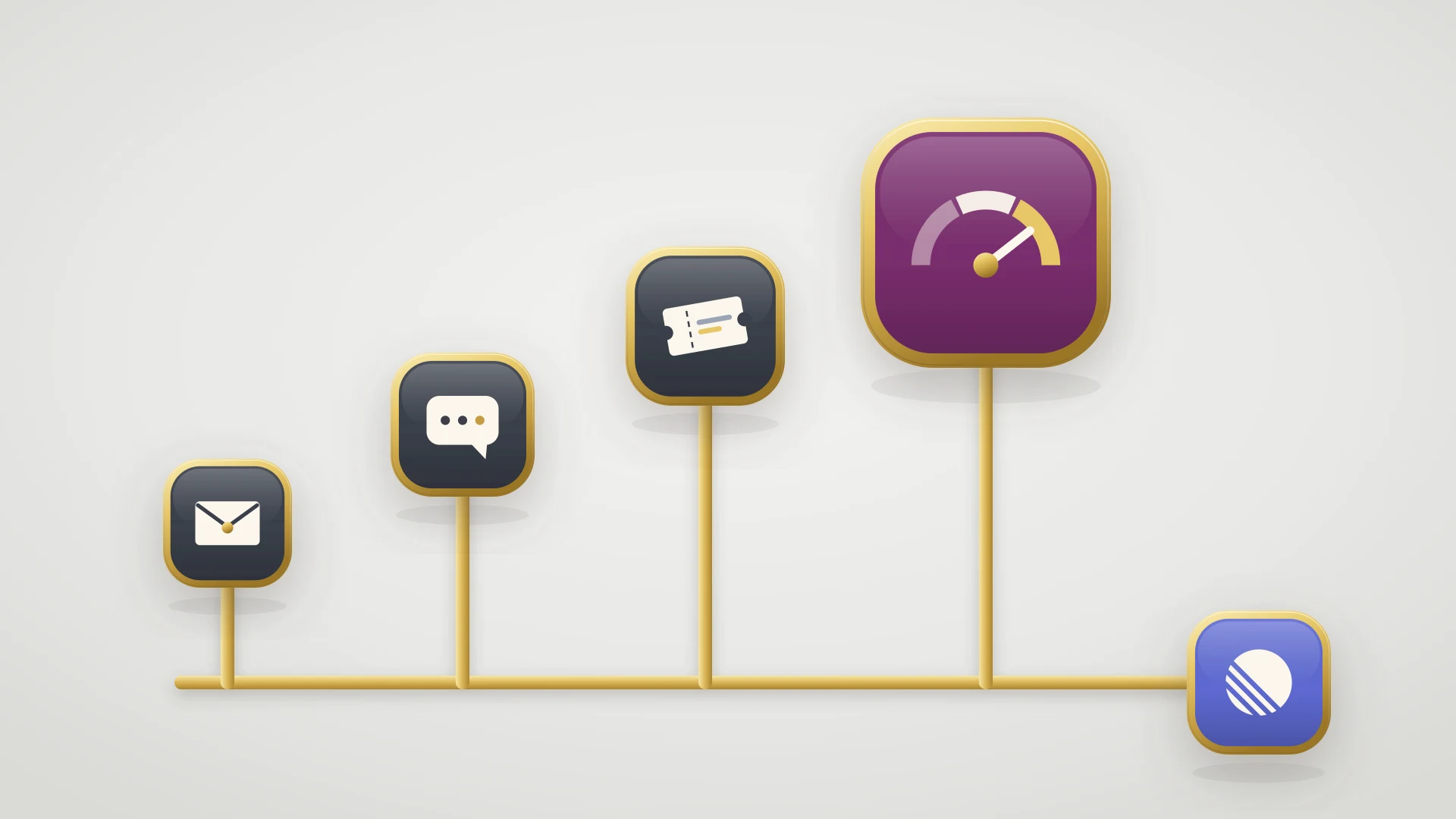
Tier 2 support, the short answer: tier 2 is the second level of support. It takes the problems tier 1 cannot solve: technical troubleshooting, configuration and integration issues, and suspected bugs it has to reproduce. It is also called L2 or level 2 support.
L1 L2 L3 support: L1 answers routine questions, L2 investigates, and L3 is usually the product engineers, who fix what needs a code change. Some models add tier 0 (self-service) and tier 4 (outside vendors).
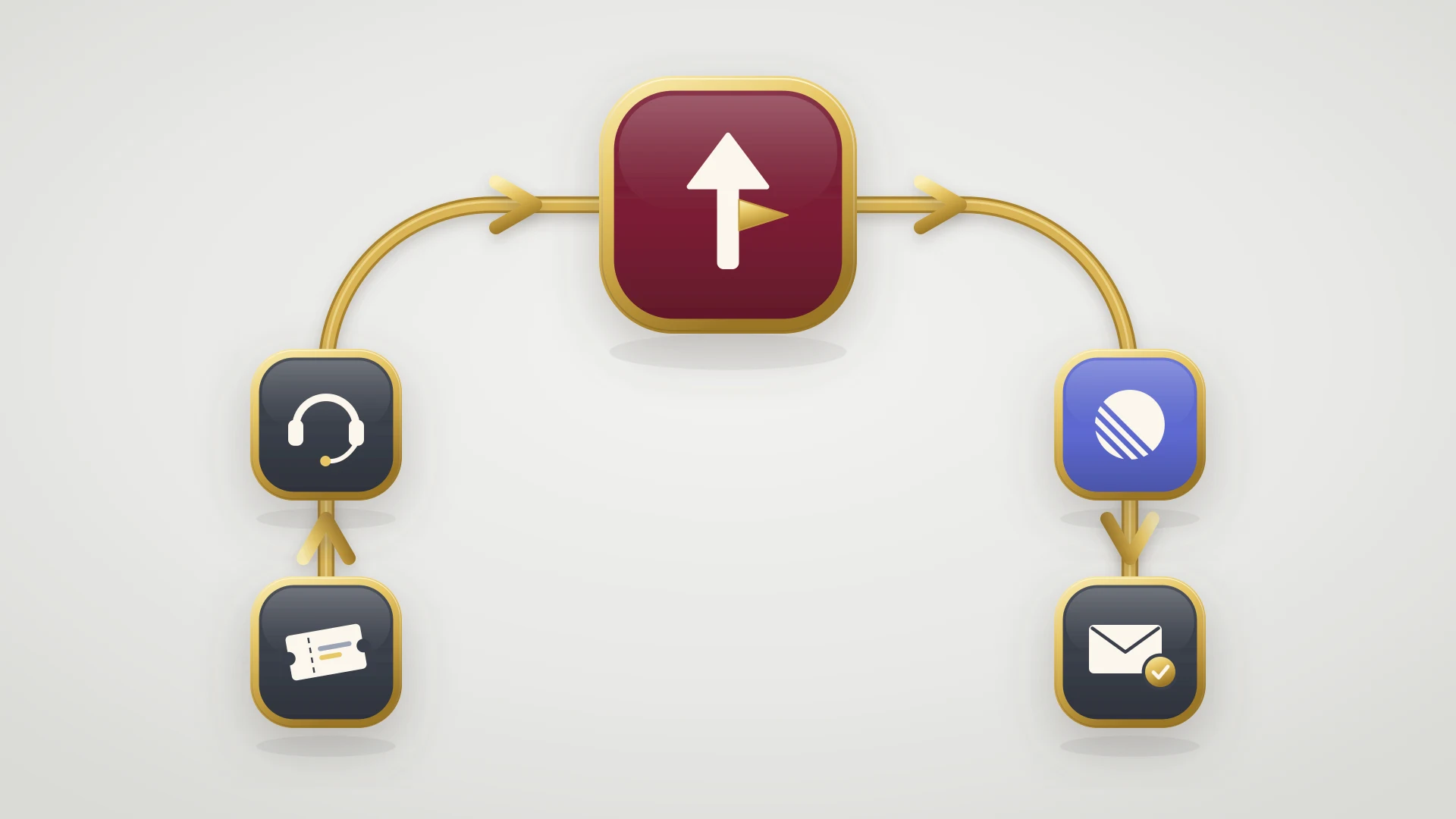
When tier 2 escalates: only when the fix needs engineering, with the bug reproduced, a bug report written and the ticket linked, so the customer hears when it is fixed.
Tier 2 Support at a Glance
| Tier | Also called | Who | Handles (B2B SaaS example) | Moves up when |
|---|---|---|---|---|
| Tier 0 | Self-service | Help center, AI agent, community | How-to questions answered by an article | The customer can't find an answer |
| Tier 1 | L1, frontline | Support reps | Routine questions, account and billing, known answers | There is no documented answer, or it needs investigation |
| Tier 2 | L2, technical support | Senior reps, support engineers | Configuration, integrations, data questions, reproducing bugs | The fix needs a code change or production access |
| Tier 3 | L3, engineering | Product engineers | Bugs, defects, performance problems | It is a third-party problem |
| Tier 4 | External | Vendors, partners | Problems in a provider's product | Not applicable |
Before you design tiers, check three things:
Answer these first
- Do you know what fraction of tickets need investigation? If almost none do, you need better tier 1 answers, not a tier 2.
- Can you name who acts as tier 3 this week? "Engineering" is not an answer. A person or rotation is.
- Does your tooling move the ticket and its history up a tier, or do people retype it into Slack?
In this article
1.
2.
3.
4.
5.
6.
7.
8.
9.
10.
11.
12.
13.
What Is Tier 2 Support?
Tier 2 support is the second level of a tiered support model. Intercom's guide to tiered support puts it simply: "If issues cannot be resolved by Tier 0 or Tier 1 assistance, customers are referred to Tier 2 support," where agents "will have more experience and specialized knowledge of a product, service, or feature." Help Scout describes tier 2 team members as "the folks responsible for handling technical escalations and more advanced inquiries."
The names vary. L2, level 2, technical support, support engineering and product specialists can all mean the same job. (In schools, "tier 2 support" means something else entirely: targeted small-group intervention for students. This guide is about customer and technical support.)
What makes a ticket tier 2 is not how angry the customer is or how big the account is. It is that nobody can answer it from what is already written down. Someone has to investigate.
L1 L2 L3 Support Explained
Most models have three core tiers, and many add one on each end. Intercom notes that "the total number of tiers depends on many factors, including the size of your company."
Tier 0: self-service
The help center, in-app guides, community answers and AI agents. Intercom describes it as "reserved for common requests that may be quick to resolve." Every question answered here never becomes a ticket.
Tier 1 (L1): the front line
Every new ticket lands here. Tier 1 handles routine questions end to end from documented answers: how-to questions, account changes, billing, password and access problems. It also makes the first call on severity.
Tier 2 (L2): investigation
Takes what tier 1 cannot resolve. Tier 2 reproduces problems, reads logs and account data, works through configuration and integration issues, and decides whether something is a bug.
Tier 3 (L3): the engineers
In a software company, tier 3 is usually the product engineers. Intercom notes tier 3 "may involve escalating to your product engineers or developers to fix a bug." It takes what needs a code change.
Tier 4: outside support
Vendors and partners, for problems inside a product you depend on, such as a payment provider or cloud host.
L1, L2 and L3 are just another way of writing tier 1, tier 2 and tier 3. You will see both in job titles and help desk tools, and the structure is the same.
Tier 1 vs Tier 2 Support
| Tier 1 | Tier 2 | |
|---|---|---|
| Main job | Answer and resolve routine requests | Investigate and resolve hard problems |
| Works from | Macros, help articles, documented answers | Logs, account data, the product itself, test accounts |
| Typical ticket | "How do I export invoices?" | "The invoice export is empty when I set a date filter" |
| Measured on | First reply time, volume, customer satisfaction | Resolution rate without escalating, time to resolve |
| Talks to engineering | Rarely | Regularly, through bug reports and escalations |
| Escalates when | There is no documented answer | The fix needs a code change |
The distinction that matters is the last row. A tier 1 rep escalates because they don't know. A tier 2 rep escalates because they do know: they have found the cause, and it is outside what support can change.
What Tier 2 Support Handles in a B2B SaaS Company
In a SaaS company, tier 2 usually owns four kinds of ticket.
Configuration and setup problems
Settings that interact in surprising ways, permissions, SSO, and anything that "worked yesterday" after an admin changed something.
Integrations and the API
Webhooks that didn't fire, sync errors, API responses a customer's developer doesn't understand. Tier 2 often reads request logs to find out which side broke.
Data questions
"Why does this report show a different number?" These need someone who can look at the customer's account data and explain it.
Suspected bugs
Tier 2 reproduces the problem, searches for an existing bug, finds a workaround if there is one, and writes the bug report engineering will work from.
Help Scout's example for a SaaS company has the tier 2 team working "directly with customers explaining technical details of the product." That customer-facing part matters. Tier 2 is often the last person in the chain who talks to the customer, so it should keep owning the conversation even when engineering takes over the fix.
What Makes a Good Tier 2 Agent
Deep product knowledge, patience with logs, and the habit of reproducing before believing. Just as important: writing. A tier 2 agent's bug report is what engineering reads, and their reply is what the customer reads. Help Scout suggests tier 2 qualifications are "an additional layer on top of the skills and capabilities required for your tier 1 support team."
When Tier 2 Should Escalate to Engineering
Escalating too early floods engineering with questions support could have answered. Escalating too late leaves a customer waiting on a bug nobody is fixing. Write the rule down. A ticket goes from tier 2 to engineering when one of these is true:
Escalate to tier 3 when
- The problem is reproduced and the fix needs a code change.
- The fix needs a change to production data or infrastructure that support has no access to.
- An outage, data loss or security issue is suspected. These skip the queue.
- Tier 2 has run out of ways to investigate and can say exactly what it tried.
And it goes up with a package, not a Slack message:
- 1
Reproduce it
On the customer's account or a test account set up the same way, so the steps are proven.
- 2
Search for an existing bug
If engineering already has it, link the ticket to that issue instead of filing a duplicate. The issue then shows how many customers hit it.
- 3
Write the bug report
A specific title, numbered steps to reproduce, expected and actual results, the environment and evidence. Our guide on how to write a bug report has a template.
- 4
Add the business context
How many customers are affected, which accounts, any workaround, and how severe it is. See bug severity vs priority for who sets which.
- 5
Link the ticket and keep the customer
The issue links to the ticket, the ticket links to the issue, and tier 2 tells the customer what happens next.
For response times by severity, such as who gets a critical issue in 15 minutes, our escalation matrix has a template. For how engineering decides what to fix first, see bug triage.
How to Set Up a Tiered Support Model
- 1
Define tiers by the work, not by seniority
Write one sentence per tier on what it resolves and what it hands on. "Tier 2 resolves anything that needs investigation but not a code change" is a rule people can apply.
- 2
Write the escalation criteria
For each step up, list when a ticket moves and what it must carry. Without this, tickets bounce back down with "need more info".
- 3
Name tier 3
A person, an on-call schedule or a rotation. Our guide to the engineer-on-support rotation covers how to run one.
- 4
Make the tool carry the ticket
Escalation should be a reassignment, with the conversation and history attached, not a copy into another tool.
- 5
Feed tier 0 from tier 2
When tier 2 solves something twice, it becomes a help article or a tier 1 macro. That is how the tiers below get better.
- 6
Review escalations monthly
Look at what tier 2 sent up and what came back. Tickets that bounced show where the criteria are unclear.
Tiered Support in a Small Team
In a startup, tiers are roles, not departments. One support person may be tier 1 and tier 2 on the same morning, and the engineer on support duty that week is tier 3. That is fine as long as the escalation rules still exist. The rule "this needs a code change, so it goes to the on-call engineer with a bug report" works with two people or two hundred. Our guide to building a support team for B2B SaaS covers when to hire for each role.
The Case Against Tiers: Swarming
Not everyone thinks tiers are the right model. The Consortium for Service Innovation, which publishes the KCS and Intelligent Swarming practices, argues that tiered support "creates organizational silos and handoffs/escalations that inhibit the exchange of information and knowledge," that it "creates multiple queues," and that it "leads to issues 'bouncing'" between teams.
Its alternative, Intelligent Swarming, replaces tiers and escalations with a flat team arranged into skill groups. As it is usually described, a request goes to the person most likely to resolve it, and that person owns it until it is resolved. The Consortium is careful to say there are still many different types of skills in a swarming model, just no tiers, and that swarming is most effective on new, complex problems.
Tiered support works when
- Most tickets are routine and repeat
- You need clear ownership and simple metrics
- The team is growing and new hires need a defined starting point
Swarming works when
- Most tickets are new and complex
- The team is small enough that everyone knows who knows what
- Handoffs, not answers, are what slow you down
Many B2B SaaS teams end up in between: tiers for the queue, and a swarm (often a shared Slack channel) when a hard problem lands.
Tiers are a routing rule, not a hierarchy. The test is whether a ticket reaches the person who can resolve it without bouncing.
The Most Expensive Mistake: The Escalation That Never Comes Back
Teams spend their energy on the trip up: who escalates, when, with what. The trip back down is where customers get lost. Engineering fixes the bug, closes the issue, ships the release. Tier 2 is still waiting on a ticket that says "escalated", and the customer is still waiting on tier 2. Nobody connected the fix to the ticket.
The fix is to make the escalation a link, not a message. The ticket and the issue point at each other, engineering's questions reach the person who owns the customer, and the ticket hears when the issue is done.
Tier 2 Support in HubSpot Service Hub
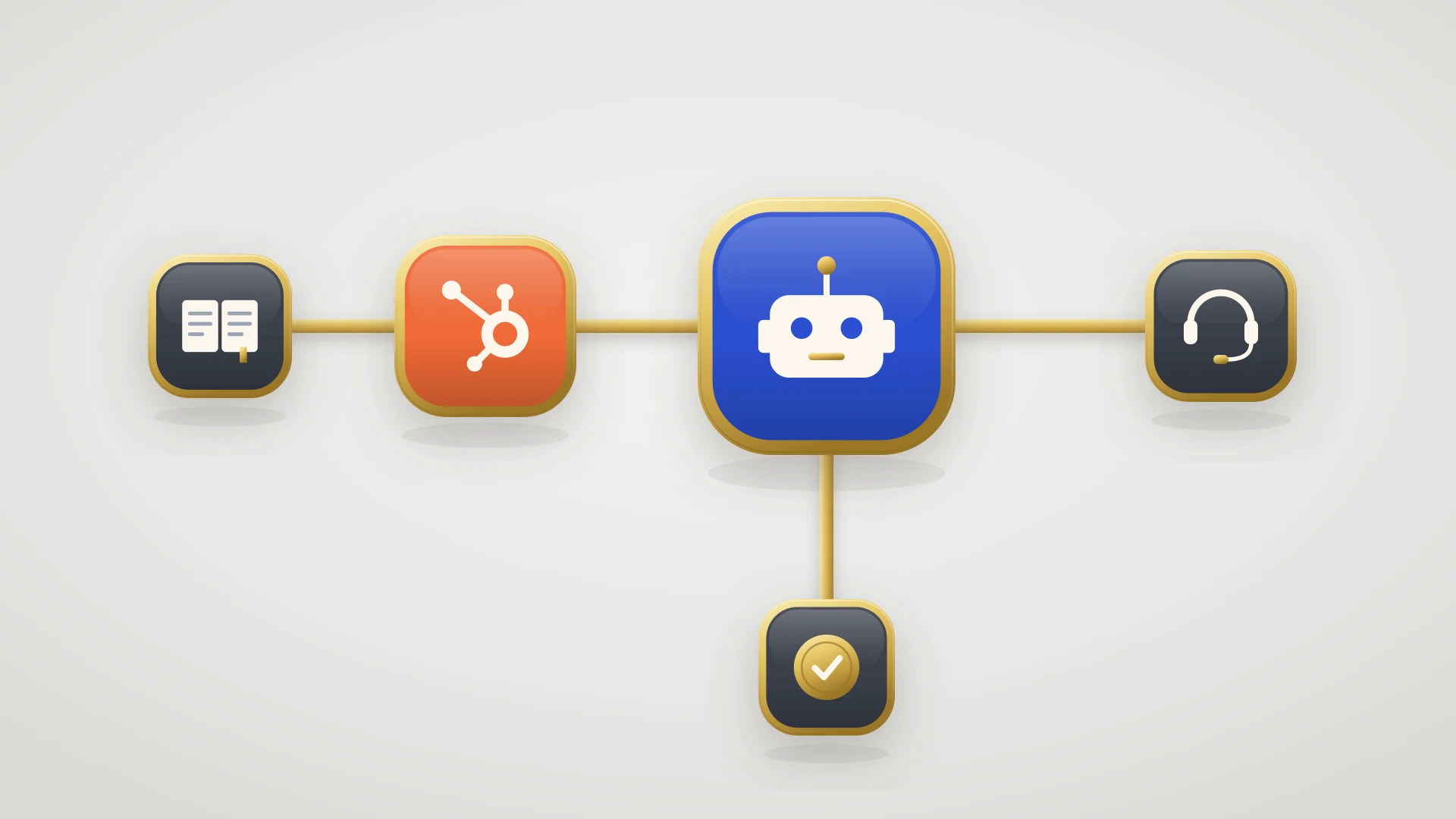
HubSpot doesn't have a "tier" setting, but its building blocks map onto tiers cleanly.
Teams for each tier
Create a HubSpot team for tier 1 and one for tier 2. In the help desk, routed tickets show in team views such as My teams unassigned and My team's open.
Routing into tier 1
On Service Hub Professional or Enterprise, help desk routing rules send new tickets from each channel to specific users or teams, with load balanced, round robin or random distribution. Setting routing rules needs a Service Seat.
Escalation as a status
Add a status such as "Escalated to tier 2" or "Waiting on engineering" to your ticket pipeline. From Starter up, entering a status can create a task or send an internal notification.
SLA goals by team
On Professional or Enterprise, SLA goals for time to first reply, next reply and time to close can vary by team, so tier 2 can run on a different clock from tier 1.
Our HubSpot ticket automation guide covers what each plan can automate, and HubSpot workflow examples has escalation workflows you can copy.
Escalating From HubSpot Tickets to Linear
The tier 2 to tier 3 step is where HubSpot stops. If engineering works in Linear, there is no native path: Linear's support integrations cover tools such as Zendesk and Intercom, not HubSpot. IssueLinker is a HubSpot Marketplace app built for that handoff.
Escalate from the ticket
A card on every ticket creates a Linear issue or links an existing one, so the second customer with the same bug joins the first issue. It can draft the issue with AI from the ticket conversation, and screenshots and files come with it.
Send tier 2's findings with it
With the opt-in Ticket details setting, ticket properties that hold tier 2's work, such as steps to reproduce or impact, are added to every new Linear issue.
Escalate from a workflow
On Service Hub Professional, a workflow action can create the Linear issue when a ticket reaches your "Escalated to engineering" status.
Keep tier 2 in the loop
Comments sync both ways, so an engineer's question reaches the rep on the ticket. The Linear status, assignee and priority are written to ticket properties, and optional status emails tell the ticket owner when the issue is closed.
The card works on any HubSpot plan. See the HubSpot Linear integration, or compare every option in our Linear HubSpot integration guide.
Tier 2 in HubSpot, tier 3 in Linear?
IssueLinker turns HubSpot tickets into Linear issues, syncs comments both ways, and writes the Linear status back to the ticket. $39 per month flat, unlimited users, 14-day free trial.
Who This Guide and IssueLinker Are Not For
The tier model above applies to any support team. IssueLinker only fits if your support runs on HubSpot and engineering uses Linear, Jira or GitHub. If your support runs on Zendesk, Intercom or Front, Linear connects to those natively. And if almost nothing your team sees needs engineering, invest in tier 0 and tier 1 instead.